
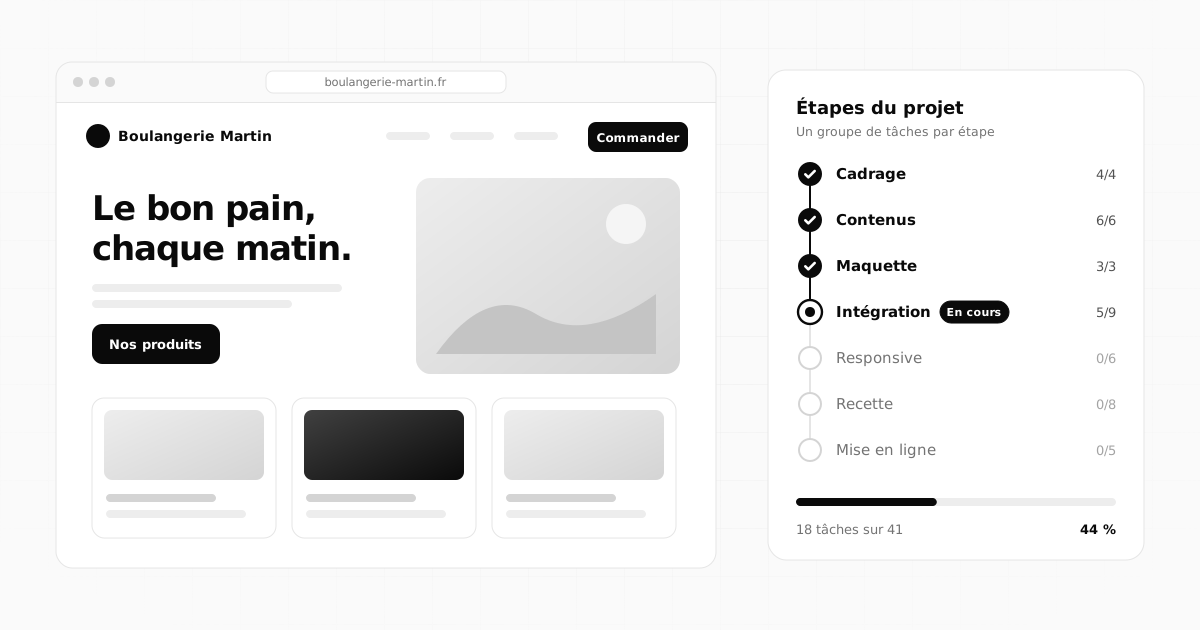
 Organisation6 min read
The Flopilot blog
Simple, practical methods to organise your projects, on your own or as a team: tasks, documents, dashboards and working with your clients.
Organisation6 min read
 Documents5 min read
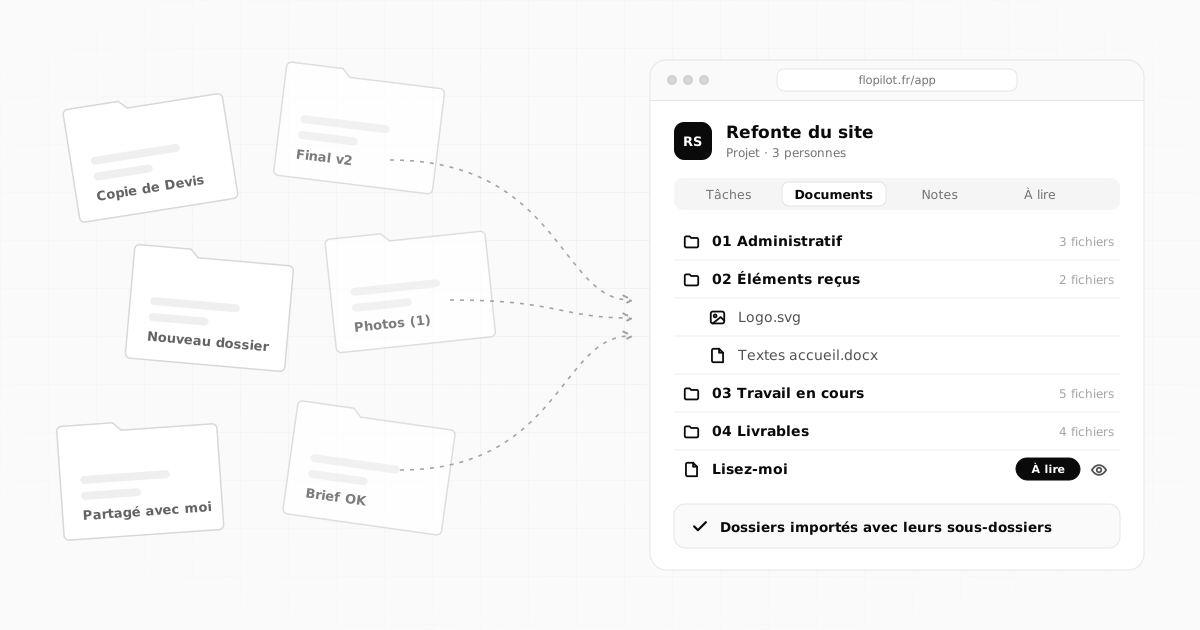
From scattered Google Drive folders to a real project workspace
Shared folders you can't find, "Copy of" everywhere, lost links: a step-by-step method to turn a scattered Google Drive into clear project workspaces.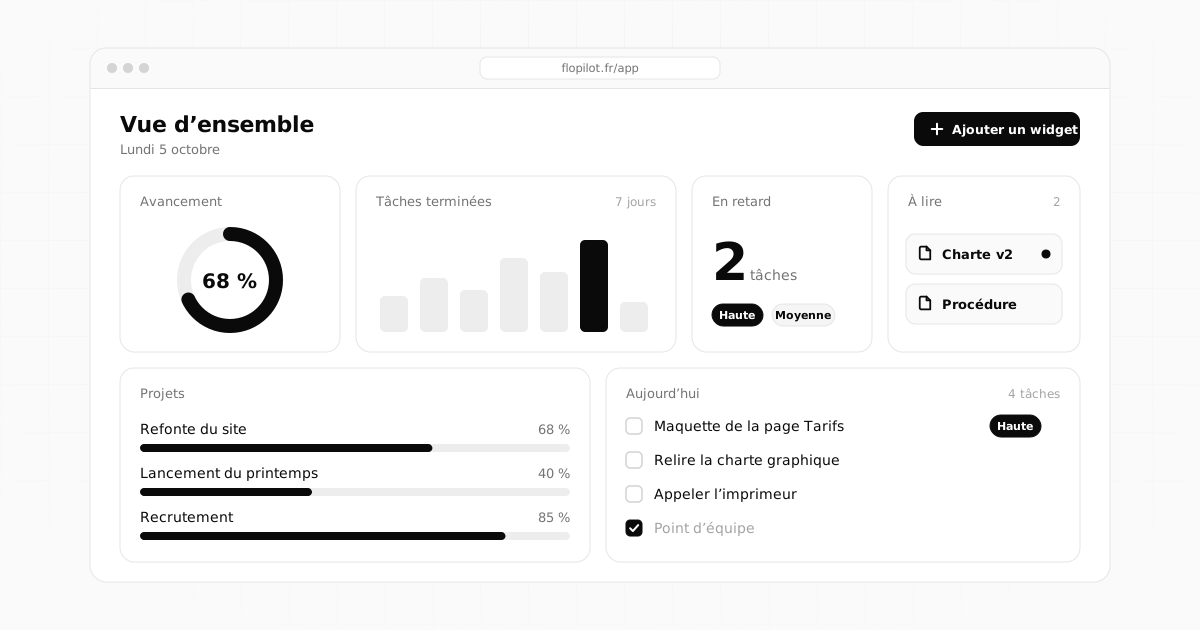 Methods4 min read
Project dashboard: what to include, and what to avoid
A good dashboard can be read in ten seconds. The essential widgets, the ones for teams, the mistakes to avoid and three layouts that are ready to copy.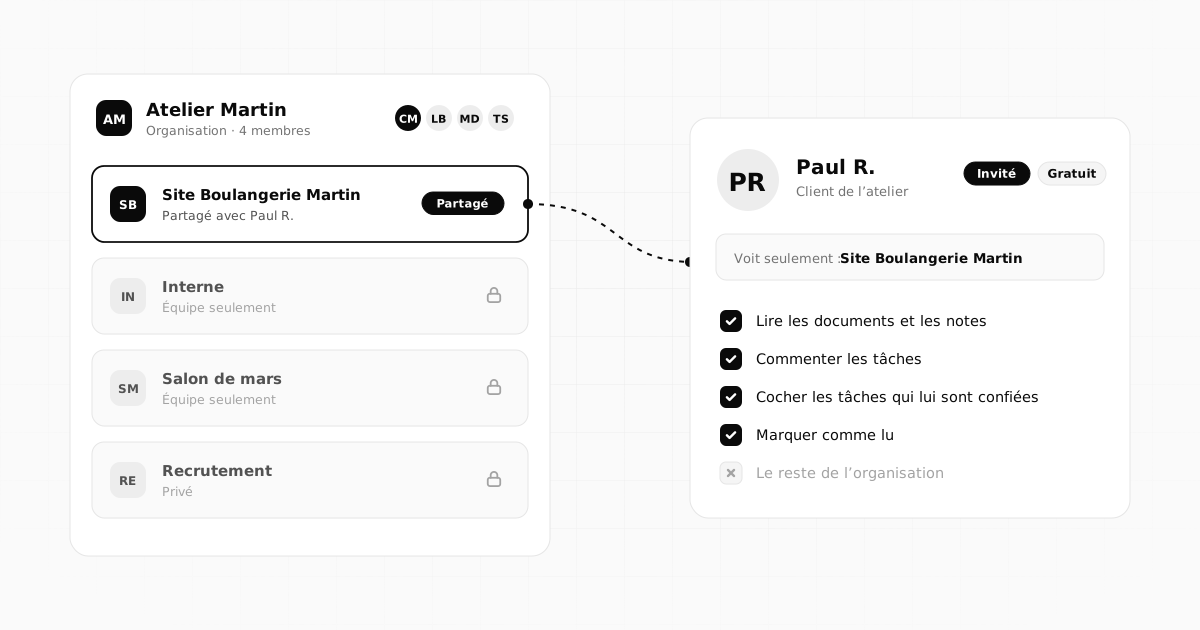 Teamwork4 min read
Working with outside guests: clients, contractors and partners
Share a project with a client, contractor or partner without opening up everything: who to invite, what they see, how to welcome them and wrap up cleanly.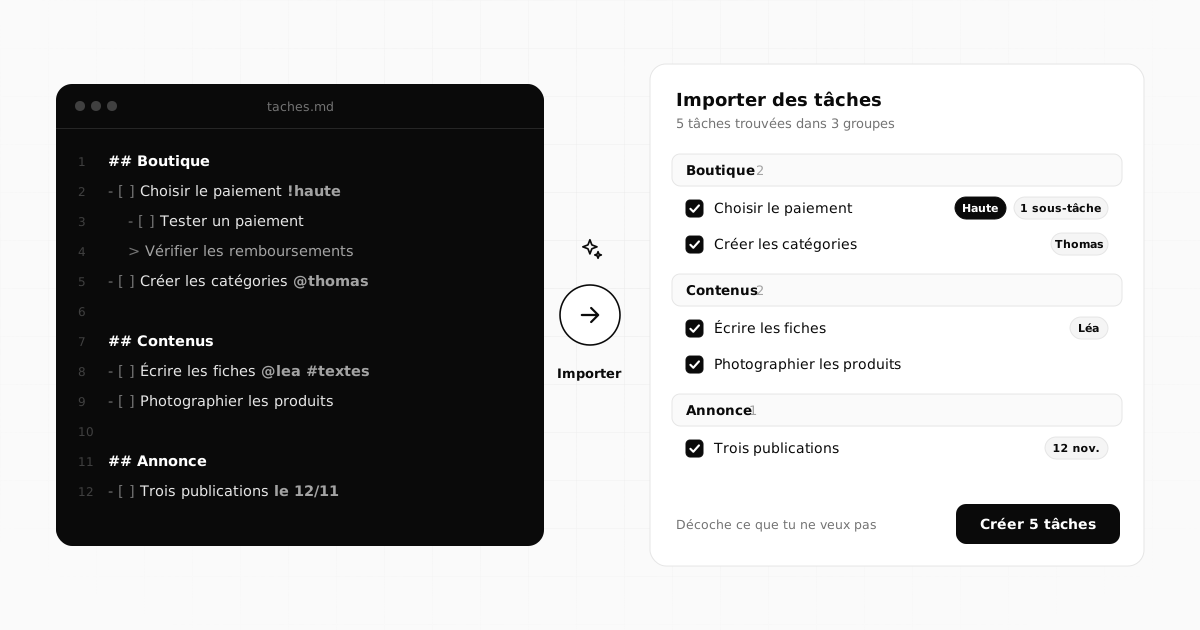 Methods5 min read
How to create a task list with AI, then import it into your project
How to ask an AI like Claude for a well-structured task list, review it, then import it into your project as Markdown or CSV in a single click.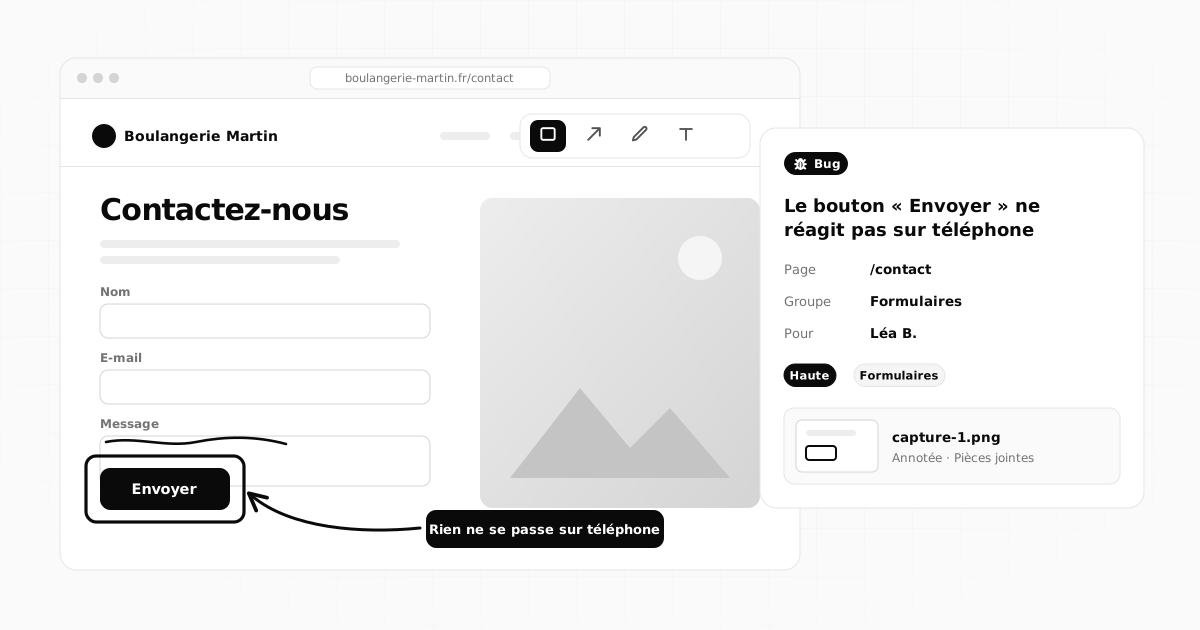 Teamwork5 min read
How to report a bug with an annotated screenshot: the complete guide
What a good bug report should include, how to take a screenshot on a computer or phone, annotate it and send it to the right person to get it fixed.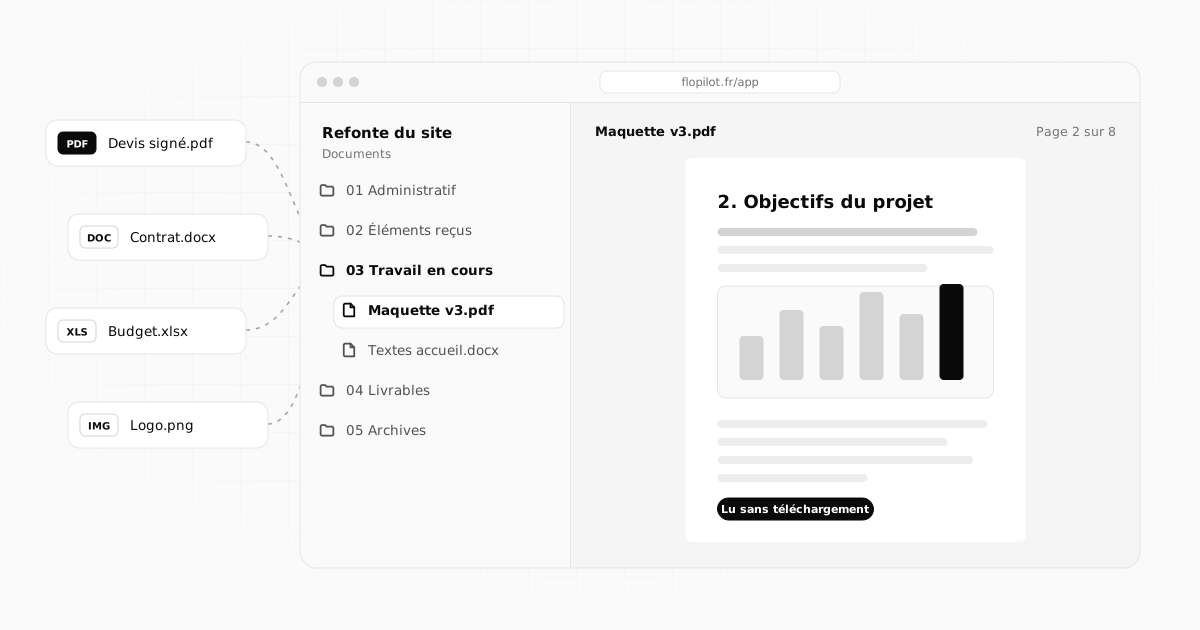 Documents5 min read
How to centralise project documents and never search for a file again
Quotes, contracts, mockups, meeting notes: bring a project's documents into one place, name and file them well, and read them without downloading.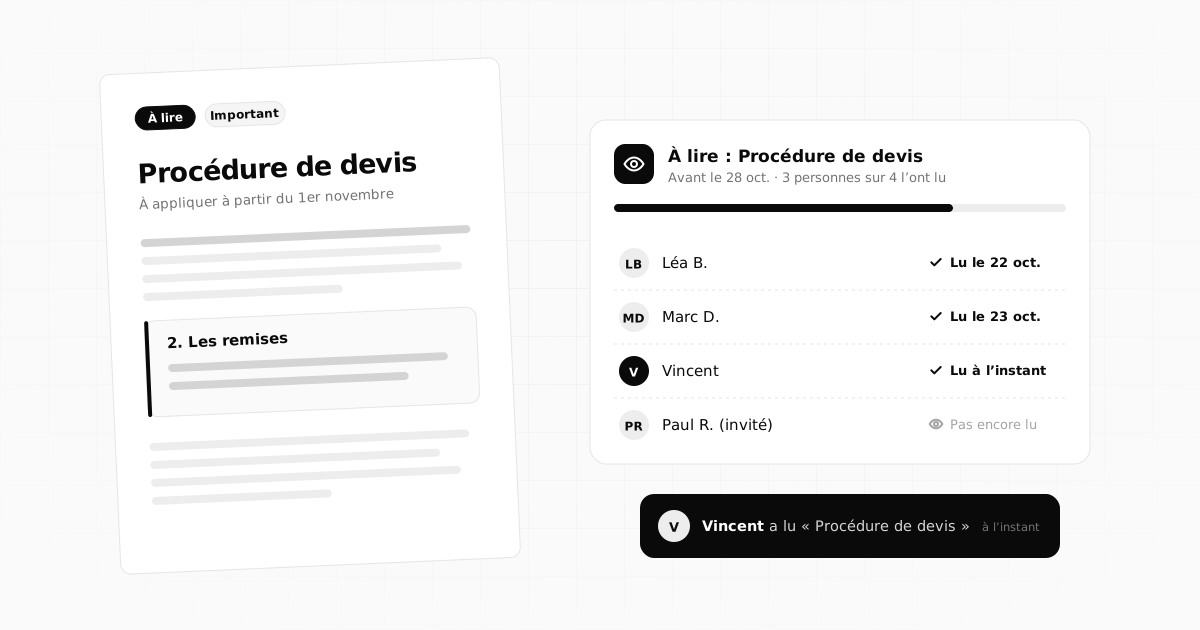 Teamwork5 min read
How to get your team to read a document, and know who actually read it
"Did you read my email?" How to get your team to read a document, note or link by a deadline, and see who read it without chasing everyone.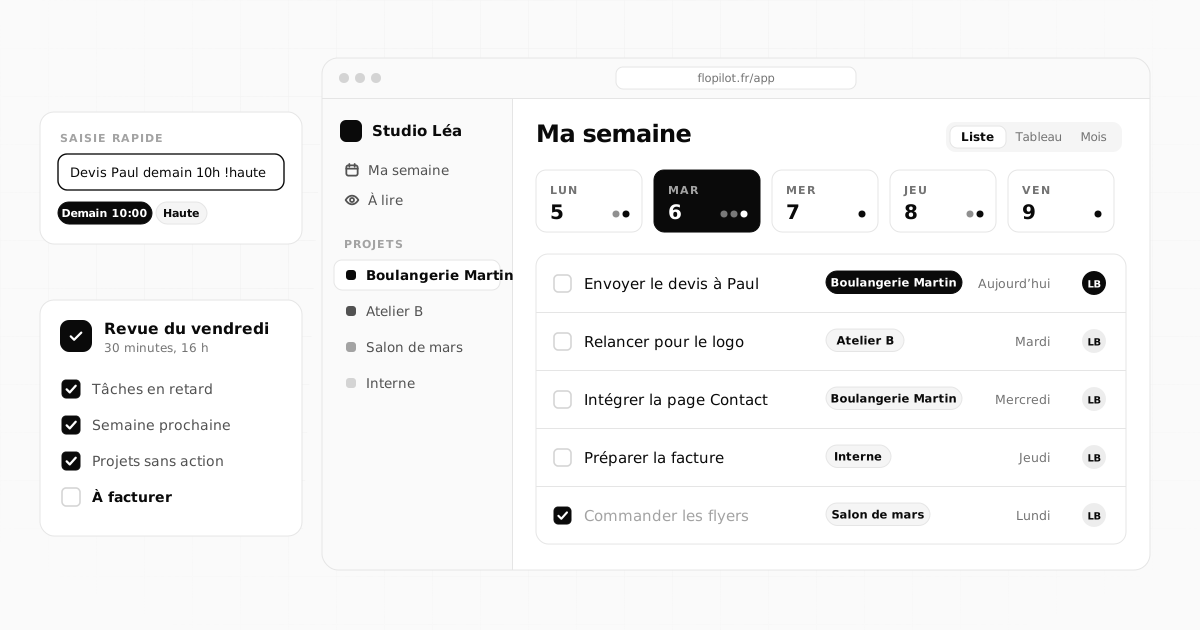 Organisation6 min read
How to organise your projects as a freelancer: the simple method
Freelancer, consultant, tradesperson: seven simple rules to organise your projects and clients, forget nothing and know where to start every morning.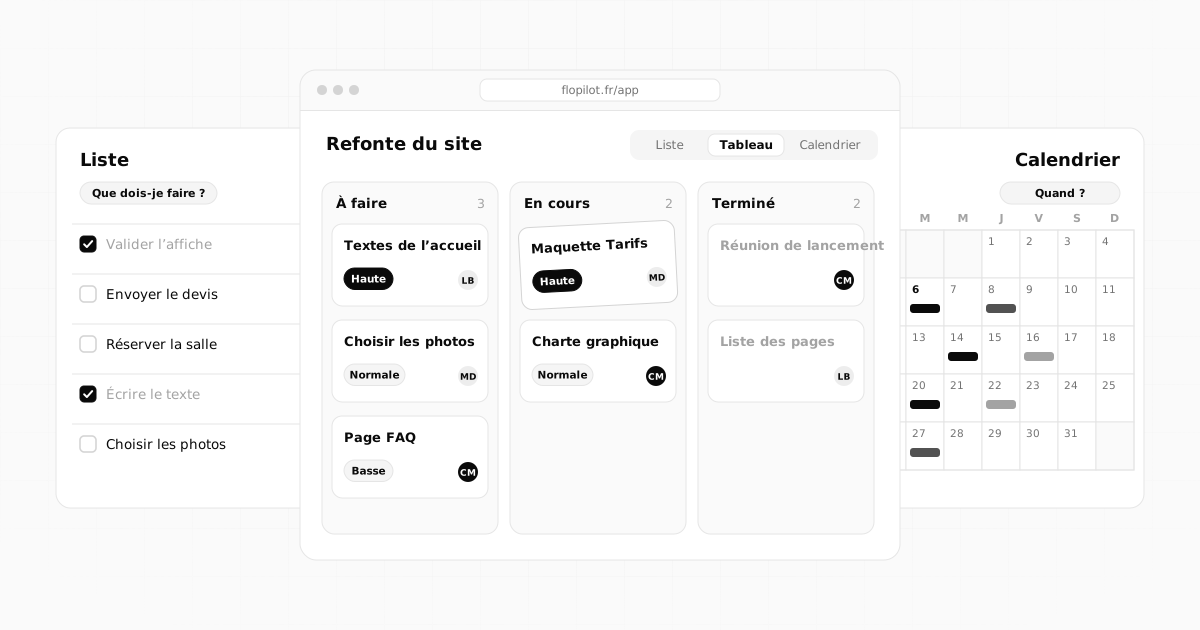 Methods6 min read
Kanban, list or calendar: which view should you use to manage your tasks?
List, kanban board or calendar: what each view is for, when to use it depending on your situation, and how to combine all three without retyping a thing.No articles in this category yet.
Going further
Guides and comparisons
Understand Flopilot in five steps, see who it is for, and compare it honestly with the tools you already know.
Tidy up your projects once and for all
Tasks, notes, documents and dashboards in one place. No commitment, and your guests do not pay.