How to get your team to read a document, and know who actually read it
A new procedure, a style guide, meeting minutes: some documents are useless if nobody reads them. Here is how to get them read, and know it.
"Did you read the document I sent you?" Everyone has asked that question, and everyone has heard the answer: "Er, not yet, which email was it in?" The document mattered (a new procedure, a client's brand guidelines, a contract to review), you shared it, and you have no idea who actually opened it.
Getting a document read is not just sending it. It is making sure the information gets through, without turning every week into a round of reminders.
Why email and chat are not enough
- The message gets buried in the thread, between an urgent question and a Friday joke.
- A read receipt proves nothing: it says an email was opened, not that the attached document was read. And plenty of people decline them.
- The deadline is invisible: it is written somewhere in the text.
- You have no overview: to know who has read it, you have to ask each person.
- Reminders are one by one, and quickly become a chore for everyone.
What you really need
A good reading request has four ingredients:
- What to read, and why: a specific document, with one sentence saying what it changes.
- Who for: one person, several, or the whole project.
- By when: a date, if it is urgent.
- A simple confirmation: a "Read" that each person ticks, and that you can see.
Plus an overview: who has read it, and who has not yet.
Writing a good reading request
The request matters as much as the document. A few rules:
- Say why it matters: "The quote procedure changes from November 1."
- Say what to remember: two or three points, no more.
- Say how long it takes: "A ten-minute read." That removes a lot of resistance.
- Say by when: a realistic date, not "as soon as possible".
"To read" in Flopilot: how it works
Flopilot has a feature built for exactly this, simply called To read:
- you choose what needs reading: a document, a note, a folder or a link;
- you choose who for: one person, several, or the whole project;
- you add a few words on what to remember, tick "Important" if needed, and set a "read by" date;
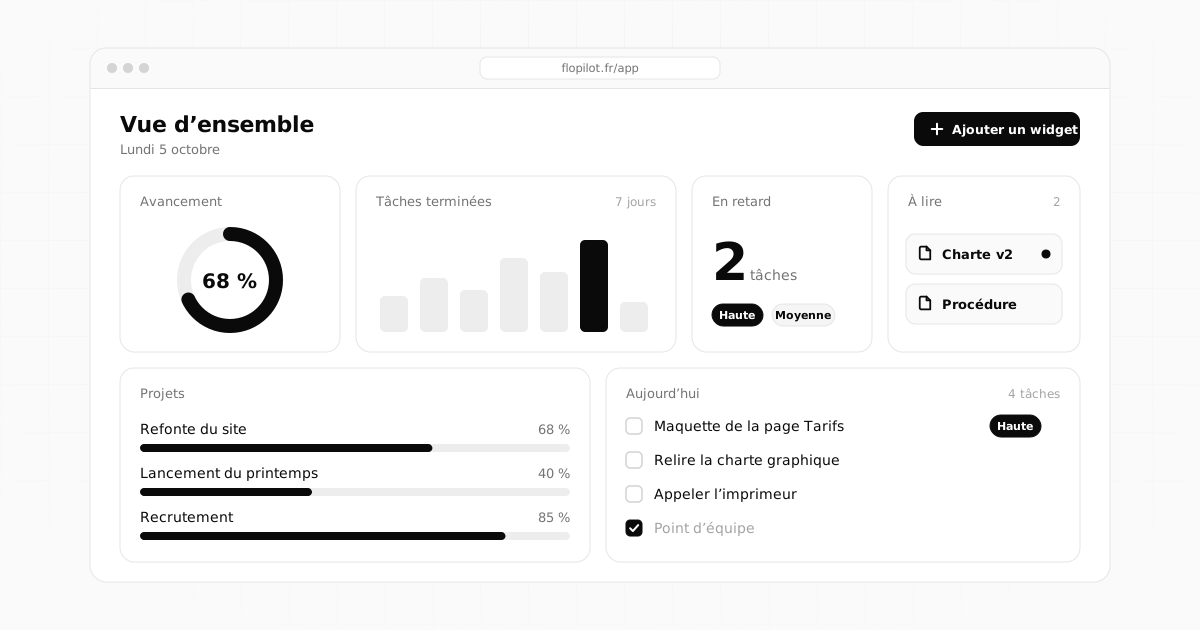
- each person gets a notification, and finds the request on their To read page and in the To read widget on their dashboard;
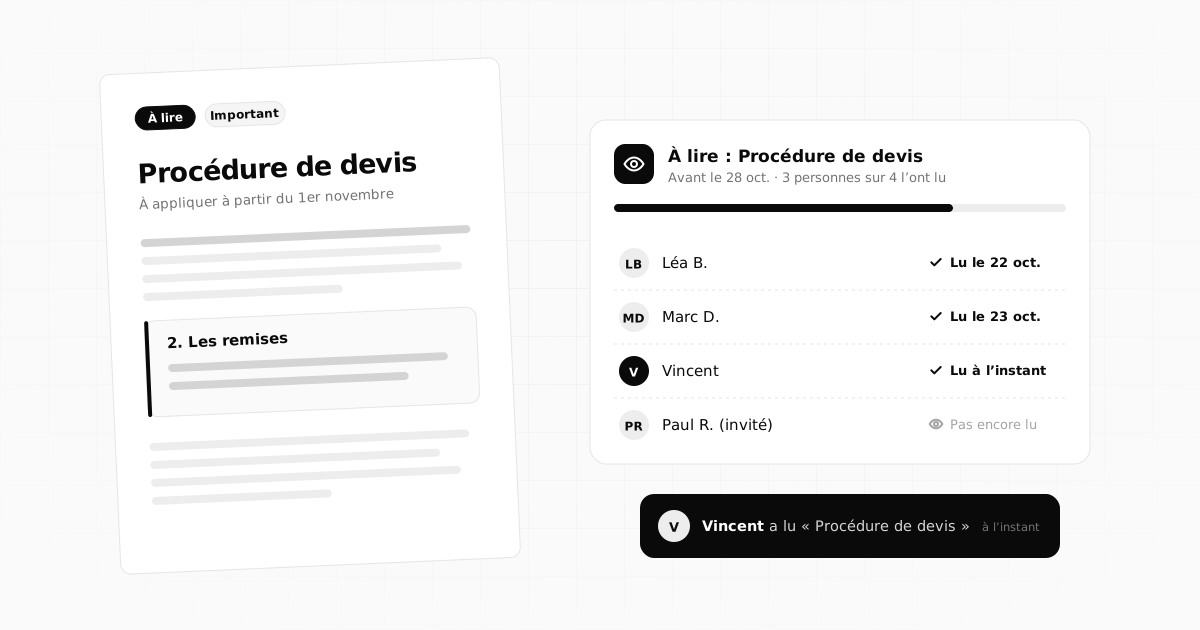
- once they have read it, they click "Mark as read" (Marquer comme lu in the app): you get a notification, and you see who read it and when;
- if they clicked too fast, "Mark as unread" (Remettre à lire) puts the item back on their list.
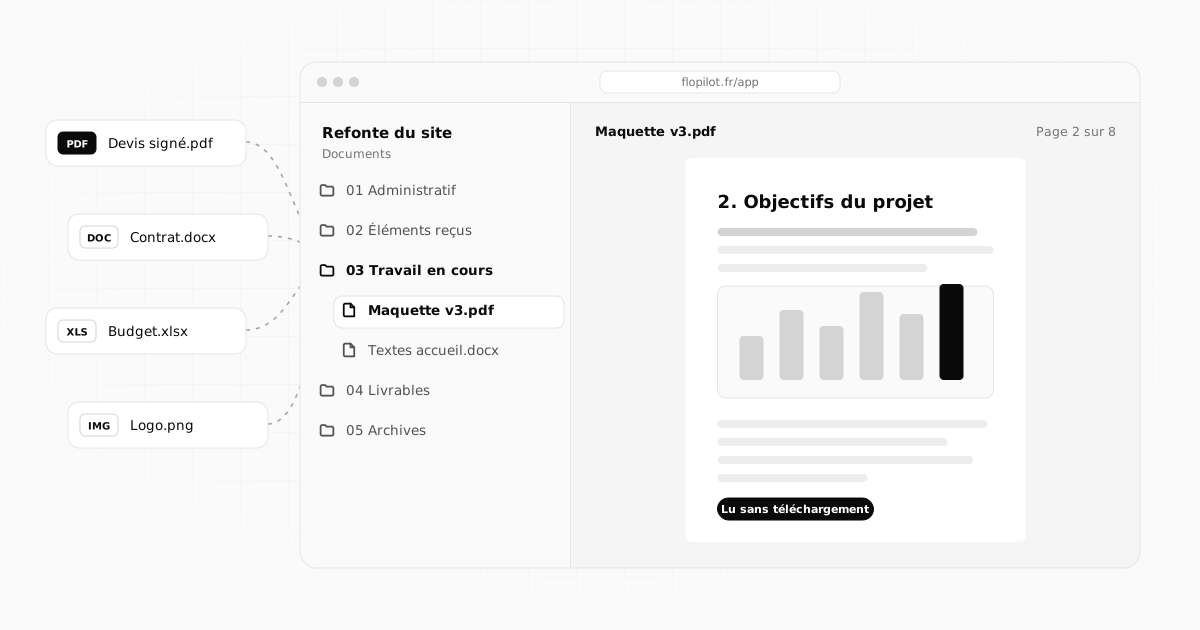
The document opens right inside the app (PDF, Word, presentation, spreadsheet, image), with no download: the person reads the right version, in the right place.
Five situations where "To read" changes everything
- A new procedure: everyone needs to know it before a specific date.
- A project brief or style guide: everyone reads it before starting, and you know they did.
- Meeting minutes: people who missed the meeting are up to speed without a catch-up meeting.
- A new team member joining: the five documents to read in the first week, and you follow their progress.
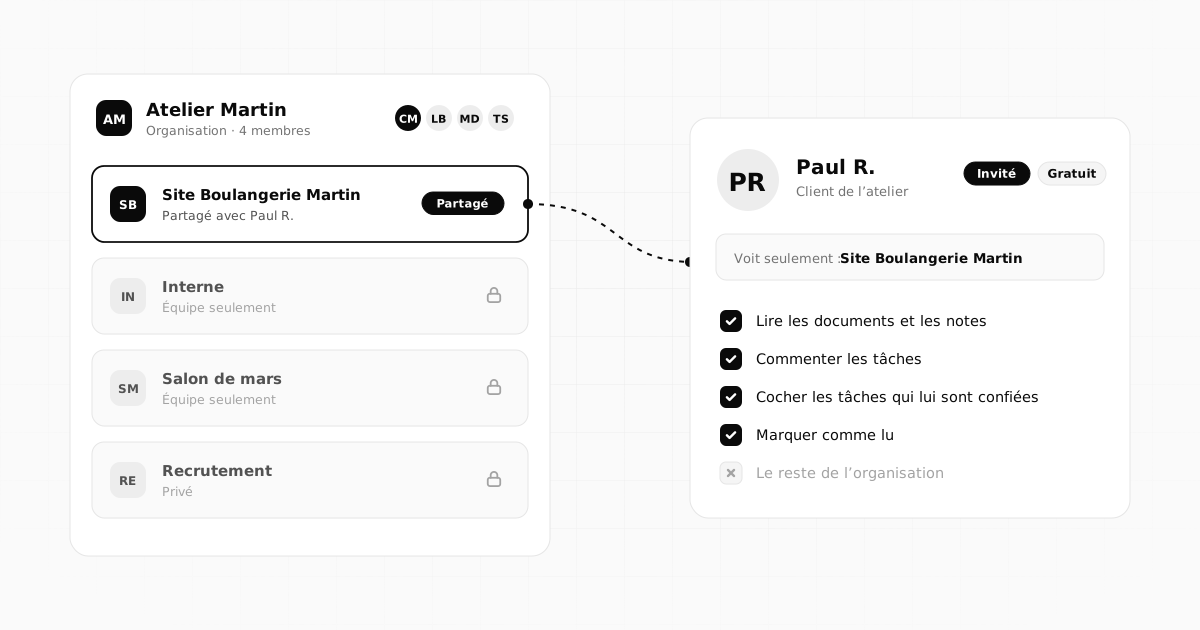
- A client guest who needs to review a specification or a mockup: guests can read and mark as read too.
Following up without nagging
Since you know exactly who has not read it yet, you no longer need to remind everyone. Remind only the people concerned, a few days before the date, and say in one sentence why it is useful. A targeted, well-reasoned reminder goes down much better than a general nudge.
Do not overdo it
If everything is "to read", nothing really is. Keep the feature for what counts:
- a document that changes how people work;
- information that everyone must have by a certain date;
- a long or important document that people might skim.
For everything else (a quick update, a fun link), a comment or a message is enough. And use "Important" sparingly: if it is everywhere, nobody notices it any more.
Following without monitoring
"Read" is the person's own statement, not a tracker: Flopilot does not measure time spent on the document, and that is deliberate. The goal is for information to flow, not to police the team. In a team that trusts each other, "Read" quickly becomes a habit, precisely because it saves everyone the reminders.
Frequently asked questions
How can I tell if someone has read a document?
The most reliable way is an explicit confirmation: the person says they have read it. In Flopilot, the "To read" feature sends the document to one or more people, each one clicks "Mark as read", and you see who did and when.
Can I ask an outside guest to read a document?
Yes. A guest sees the projects shared with them: they can read the documents they are asked to read and mark them as read, just like team members.
How is this different from an email read receipt?
A read receipt shows that an email was opened, not that the document was read, and it is often declined. "To read" asks for a voluntary confirmation, document by document, with a deadline and an overview of who has read it.
All of this, in a single tool
Flopilot brings together tasks, list, kanban and calendar views, documents you can read right in the app, and a dashboard for every project.
To readInternal communicationTeam