
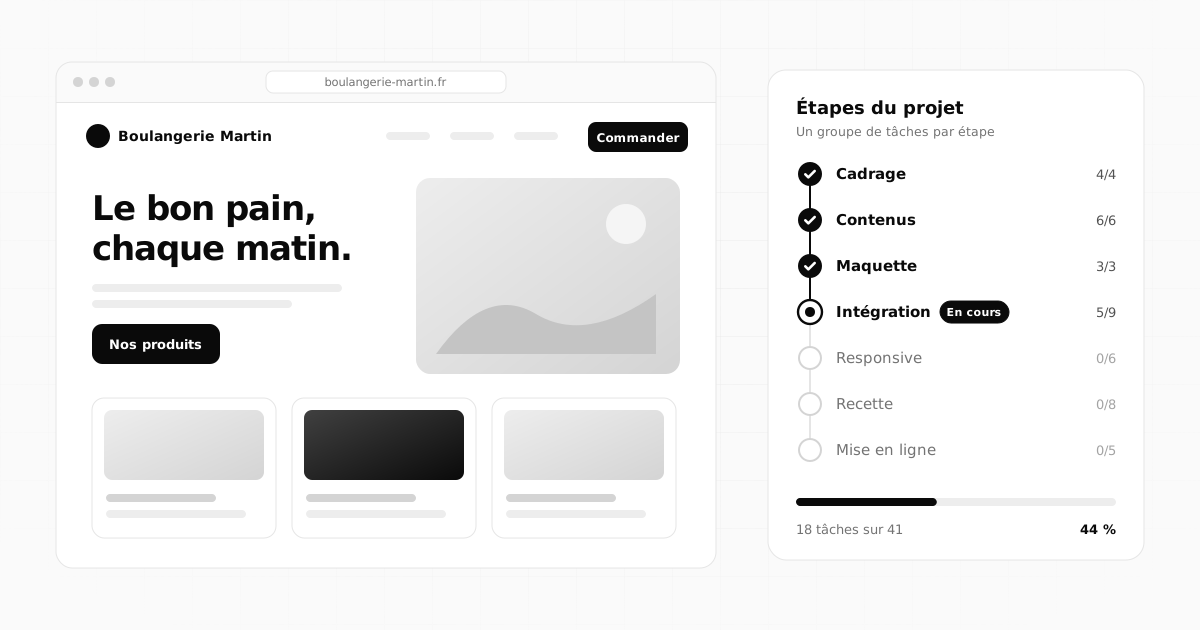
 Organisation6 min read
NewUne application de la famille Flopix
All your projects, finally in one place.
Tasks, notes, documents, calendar and dashboards: Flopilot centralises everything that moves your projects forward, for you alone or for your whole team.
- Hosted in France
- Two-factor authentication
- No commitment
- Free guests

All in one place
Everything a project holds, in a single tool
No more tasks in one app, notes in another and documents lost in a shared folder. In Flopilot, each project brings everything together.
Tasks
Create a task in a second, then add priority, due date, assignee and reminder.
List, board, calendar
The same work from three angles, with drag and drop everywhere.
Notes, lists and memos
Rich notes, to-do lists, bullet lists and quick memos, sorted by project.
Freehand drawing
A sketch, a diagram, an idea: draw straight into the project.
Readable documents
PDF, images, carousels, Word, spreadsheets, presentations: everything opens in Flopilot.
To read
Share a document, a note or a link for someone to read, and see who has read it.
Tableaux de bord
Widgets of your choice, for each project and for the overview.
Built-in AI
Write, summarise, suggest tasks, recap the week.
Views
List, board or calendar: your call
The same tasks, shown the way you prefer. Switch from one view to another in one click, nothing is lost.
- Kanban board: drag a task from one column to the next as it moves forward.
- Calendar by month, week or day: move a due date by dragging it.
- Reminders: a notification in Flopilot and an email at the right time.
October 2026
MonthWeekDay
MonTueWedThuFriSatSun
28
29
30
1
2
3
4
5
6Team check-in
7
8Mockup delivery
9
10
11
12
13
14Homepage copy
15
16Photos
17
18
19
20Go live
21
22Invoice reminder
23
24
25
26
27ReviewTrade show
28
29
30
31
1
Documents
Your documents, readable without downloading
PDF, images, carousels, Markdown, Word and Google Docs, spreadsheets, presentations: open them straight in the project, next to the tasks about them.
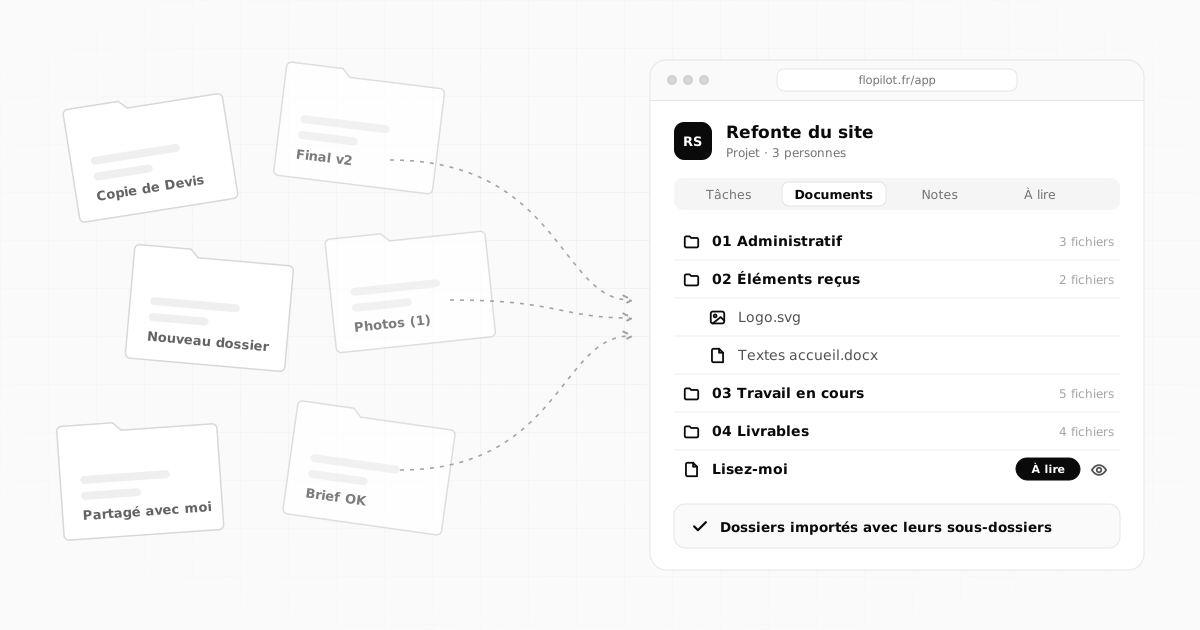
- Drag your folders (from your computer or Google Drive): they arrive with their subfolders, as if you had created them in Flopilot.
- Search everything: tasks, notes, documents and links.
- Useful links kept in each project, so you never hunt for them again.
PDFProject brief
DOCClient contract
XLSBudget 2026
PPTPresentation
MDMeeting notes
IMGLaunch carousel
2. Project objectives
To read
Share to read, and know who has read it
"Read the file to keep up with the changes." With To read, you send a document, a note or a link to one person or to the whole project, with a date if it is urgent. Everyone ticks "Read", and you see who did it and when.
How To read worksTo read: Brand guidelines v2By Oct 10 · 3 of 4 people have read it
LBLéa B.Read on Oct 5
MDMarc D.Read on Oct 5
CMCamille M.Read today
PRPaul R. (guest)Not read yet
Tableaux de bord
One glance, and you know where you stand
Build your dashboard with the widgets you want: today's tasks, this week's deadlines, progress, priorities, items to read, activity, figures from your apps. One per project, and one for the overview.
Alone or as a team
Everyone sees what they should see
Work alone, invite your team, or share a single project with a client. Four simple roles settle who sees and who edits.
- Owner and administrators manage the organisation and the members.
- Members: they create and edit within their projects.
- Guests: they see only what you share with them, and they do not pay.
Martin Studio · MembersInvite
CM
Camille M.All projects, billing
OwnerLB
Léa B.Manages members and projects
AdministratorMD
Marc D.Organisation projects
MemberPR
Paul R.A single shared project, free
Guest
Artificial intelligence
An AI that works with your projects
Plug in Claude, Anthropic's AI, with your own key: it helps you write, summarises a long document, suggests tasks from meeting notes and recaps your week.
- Your key, your Anthropic account: it is encrypted on our side, and nothing is sent without your click.
- Optional: Flopilot works entirely without AI.
TBI
Minutes: kickoff meeting
Suggested summary
- Go-live targeted for 20 October
- Copy to be approved by Léa before the 14th
- Twelve photos to pick from the shared folder
Insert into the noteSuggest tasks
Flopix family
Your other apps, right in your dashboard
Flopilot connects to the apps of the Flopix family. Track the visits to your Flopix site, approve and publish your Flopost carousels and check their stats, without switching tabs.
See the connectionsFFlopix · your siteConnected
Visits over the last 30 days
FFlopost · to approveConnected
What's new
Behind the scenes
Tips
ApproveSee the stats
Security
Your projects stay yours
Hosted in France
Your data is stored on an OVH server located in France. No advertising, no reselling.
Two-factor authentication
Protect your account with a one-time code, from the authenticator app of your choice.
Encrypted tokens
AI keys and app connections are encrypted on the server. Passwords are never readable.
Who it is for
Built for the way you work
On your own with your clients, in an agency, in a small business or a nonprofit: real examples to see what Flopilot changes day to day.
Freelancers
A space per client, your clients invited for free, your week under control.
See the real examplesWeb agencies
Client sites, feedback as annotated screenshots, sign-off and team workload.
See the real examplesSmall businesses
Procedures to be read, internal documents and cross-team projects.
See the real examplesNonprofits
Events, minutes read by the board, volunteers invited.
See the real examples
Resources
Learn to organise your projects better
Simple methods on the blog, how Flopilot works in five steps, and an honest comparison with the tools you know.
Organisation6 min read
 Documents5 min read
From scattered Google Drive folders to a real project workspace
Shared folders you can't find, "Copy of" everywhere, lost links: a step-by-step method to turn a scattered Google Drive into clear project workspaces.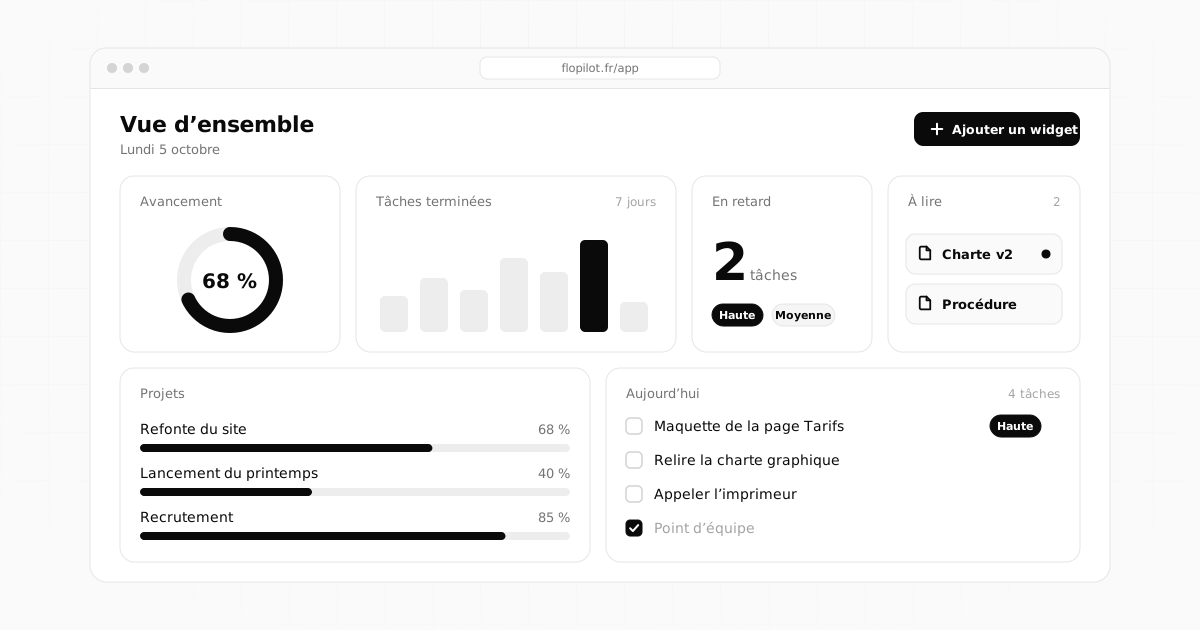 Methods4 min read
Project dashboard: what to include, and what to avoid
A good dashboard can be read in ten seconds. The essential widgets, the ones for teams, the mistakes to avoid and three layouts that are ready to copy.Tidy up your projects once and for all
Tasks, notes, documents and dashboards in one place. No commitment, and your guests do not pay.