Kanban, list or calendar: which view should you use to manage your tasks?
These three views aren't competing with each other: they answer three different questions about the same work. Here's how to choose, and above all how to combine them.
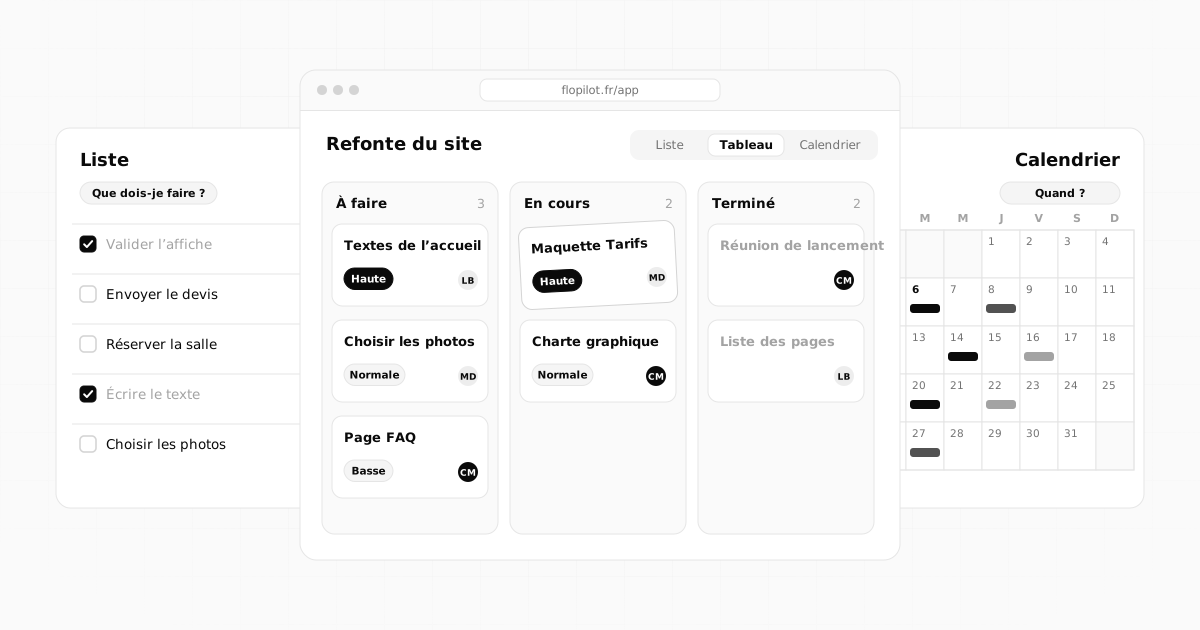
List, kanban board, calendar: most task management tools offer these three views, and plenty of people pick one and never look back. That's a shame. These views aren't competing with each other: they answer three different questions about the same work. Using them well means knowing which one to open depending on the question you're asking yourself.
Three views, three questions
- The list answers: "What do I need to do?"
- The kanban board answers: "Where is everything at?"
- The calendar answers: "When does it need to be done?"
| View | Best for | Question it answers | Limitation |
|---|---|---|---|
| List | deciding and getting things done | What do I need to do? | overall progress is hard to see |
| Kanban | following a workflow | Where is each task at? | dates take a back seat |
| Calendar | keeping to deadlines | When does it need doing? | tasks without a date don't show up |
The list: for deciding and getting things done
The list is the densest view. It shows lots of tasks in very little space, and it's the best one for sorting: by due date, by priority, by person. It's also the quickest way to tick off what's done.
Use it when you need to decide what to do right now: in the morning as you start your day, or when you have lots of small tasks in no particular order. In Flopilot, the list can be grouped by group, column, due date, priority or person, and filtered by tag or by type (task, bug, change, idea).
Its limitation: it doesn't show a project's overall progress very well. A list of forty tasks won't tell you whether the project is half done or almost finished.
The kanban board: for following a flow
The word kanban comes from Japanese and originally referred to cards used in manufacturing to manage production. In task tools, it's a board with columns: each task is a card that moves from left to right, from one stage to the next.
Kanban is ideal when work goes through stages: a client project, a series of articles to write, fixes to make and then check. You can see at a glance what's waiting, what's moving and what's stuck. Moving a card is a simple drag and drop.
To get started, four columns are almost always enough: To do, In progress, Waiting (on the client, on approval, on a delivery) and Done.
Its limitation: dates take a back seat. A card can sit in "To do" for weeks without anyone noticing that its due date has passed.
The calendar: for seeing time
The calendar puts each task on its date. It's the only view that really shows workload: a week with eight deliverables jumps out immediately.
Each of the three scales has its own role:
- the month for distant deadlines and major milestones;
- the week for planning and spreading the workload;
- the day for the detail, hour by hour.
In Flopilot, you just drag a task from one day to another to change its due date, and reminders alert you by notification and by email at the time you choose.
Its limitation: tasks without a date don't appear. That's why the list remains essential: it's where you spot the tasks nobody has scheduled yet.
Which view for your situation
- You're a freelancer with several clients: the list in the morning to choose, the week calendar so you don't overload your days.
- You work in a team on a project with stages: kanban as the main view, shared by everyone.
- Your project has a fixed date (a trade show, a launch, an event): the calendar, to work backwards from the date.
- You handle fixes (bugs, client feedback): a kanban with "To fix", "In progress", "To check" and "Fixed" columns.
- You have lots of small tasks in no particular order: the list, sorted by priority.
Groups: organise without multiplying projects
Whatever the view, a project ends up holding a lot of tasks. Rather than creating one project per topic, sort them into groups: "Content", "Responsive", "Buttons", "Going live". A group brings together a family of tasks (a stage, one part of the work), while tags mark something they have in common across groups (#client, #accounts, #urgent).
The simple rule: a task belongs to just one group, but can have several tags.
Combine all three without retyping anything
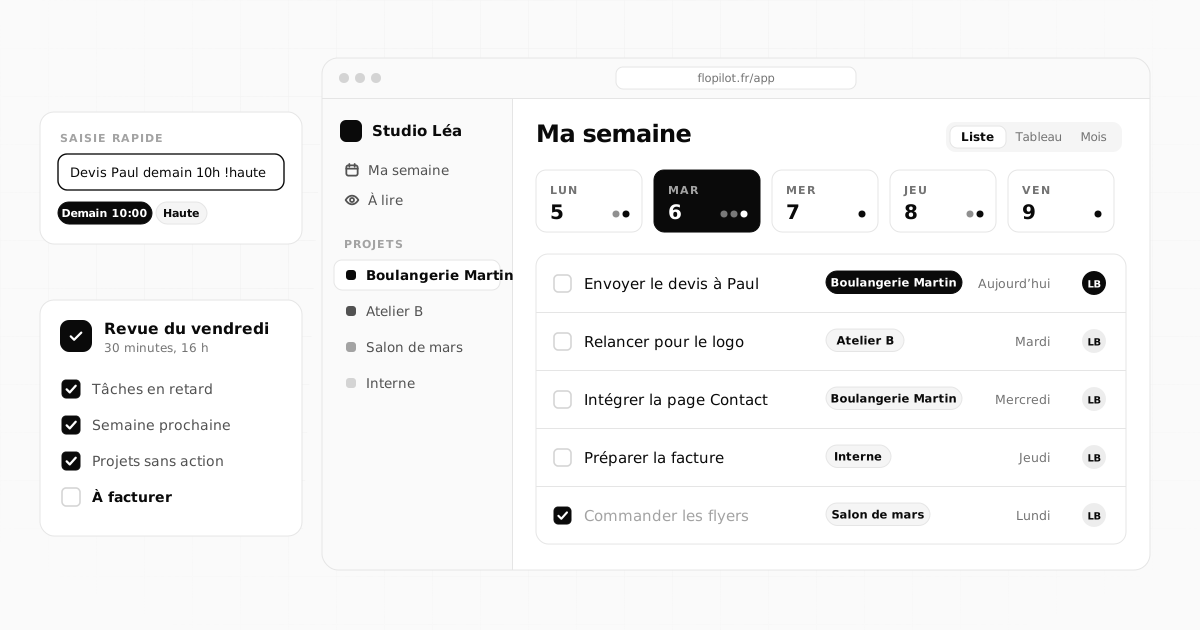
The real comfort is moving from one view to another without entering anything twice. In Flopilot, the three views show the same tasks: moving a card on the kanban board, changing a date in the calendar or ticking a line in the list updates everything at once. You create the task once, with quick entry ("Review the quote vendredi !haute @lea" creates a task due Friday (vendredi), high priority (!haute), assigned to Léa), and you find it everywhere.
Mistakes to avoid
- Too many columns on the kanban board: beyond five or six, nobody knows where to put the cards any more.
- A calendar filled with everything: only put real deadlines in it, otherwise you can no longer see the ones that matter.
- Never looking at tasks without a date: they pile up quietly.
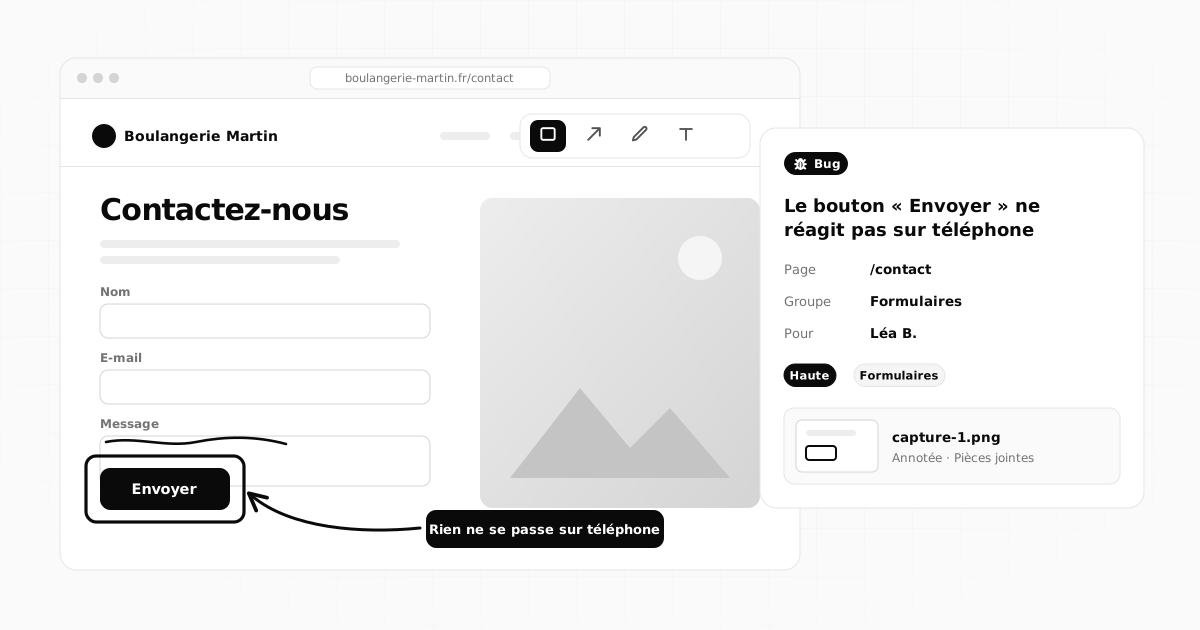
- Switching tools when the method is the problem: the same mess will follow you into the new tool.
Frequently asked questions
What's the difference between a list and a kanban board?
A list shows tasks one below the other and is mainly used to sort them and decide what to do. A kanban board arranges tasks in columns by stage (to do, in progress, done) and is used to follow the progress of a workflow.
Is kanban a good fit for a freelancer working alone?
Yes, especially for following several jobs in parallel, with a "Waiting on client" column. Many freelancers combine one kanban board per project with a list for the day.
Can you switch from one view to another without retyping everything?
In Flopilot, yes: the list, kanban board and calendar show the same tasks. A change made in one view (date, column, ticked task) shows up straight away in the others.
All of this, in a single tool
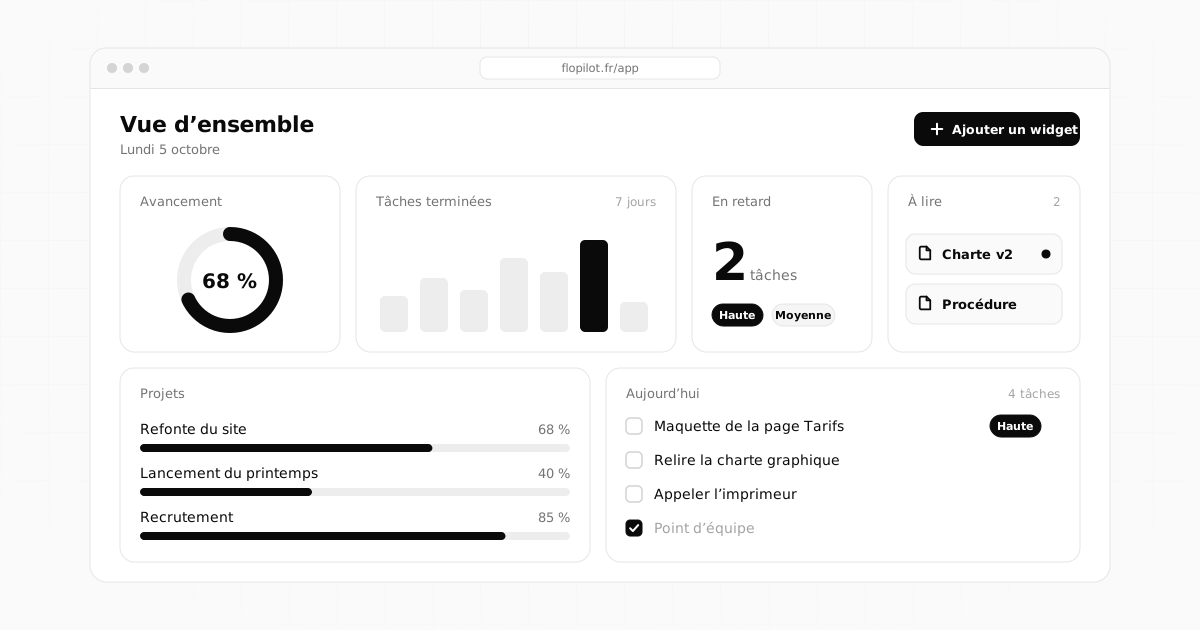
Flopilot brings together tasks, list, kanban and calendar views, documents you can read right in the app, and a dashboard for every project.
KanbanCalendarTask management