
 Teamwork5 min read
Small businesses, SMEs, field and office teams
Flopilot for small businesses: projects, documents and team in one place
In a small business, everyone does a bit of everything, and information gets lost along the way. Flopilot brings projects, documents and instructions together in one place, with clear roles.
What gets in the way
Sound familiar?
Important information does not get through
A new procedure sent by email, and nobody knows who has read it.
Documents are in ten different places
Server, inboxes, USB sticks, shared folders: the right version is nowhere to be found.
Nobody can see where projects stand
A trade show, a hire, a launch: everyone works in their own corner.
Real examples
How it works with Flopilot
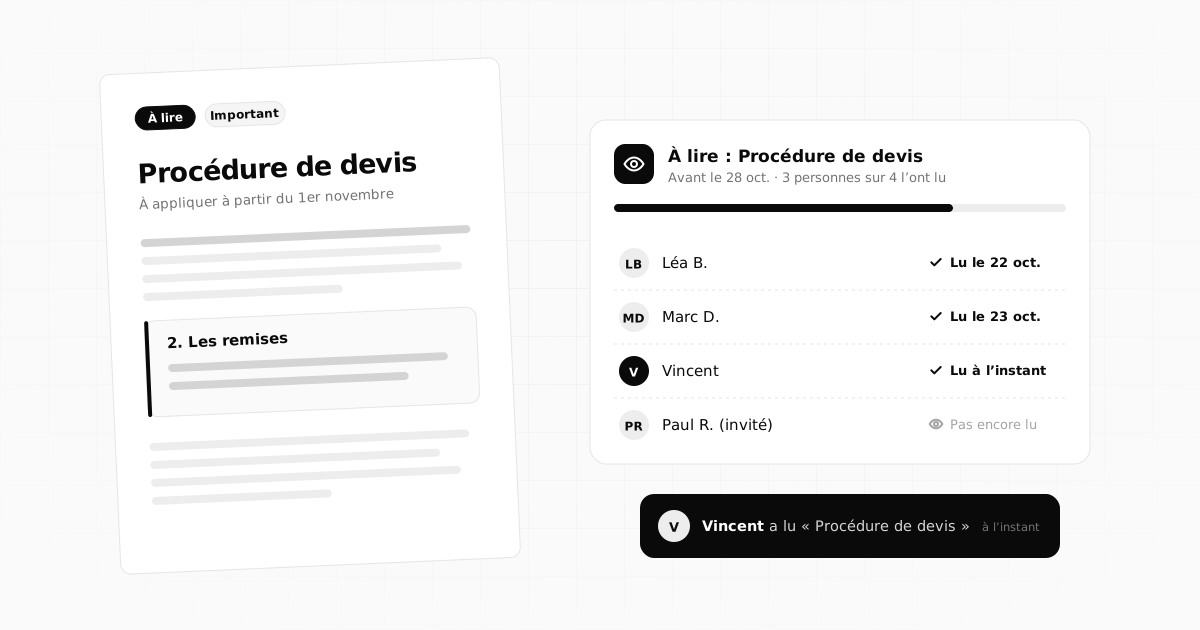
A new procedure everyone needs to know
The quote template changes on the 1st of the month.
- The procedure goes into "To read" for the whole team, with a deadline.
- Everyone reads it in the app and ticks "Read".
- The manager sees who has read it and only chases the others.
Preparing for a trade show
Stand, transport, materials, invitations: lots of small tasks.
- A dedicated project, viewed as a calendar to work backwards from the show date.
- Tasks assigned to each person, with email reminders.
- Floor plans, quotes and visuals in the project's documents.
Welcoming a new employee
A first week to organise, documents to read.
- An "Onboarding" project with a checklist for the first week.
- The documents to read sent to "To read".
- A member role that gives access to the right projects, and not the others.
To read: Brand guidelines v2By Oct 10 · 3 of 4 people have read it
LBLéa B.Read on Oct 5
MDMarc D.Read on Oct 5
CMCamille M.Read today
PRPaul R. (guest)Not read yet
The features that matter
What you will find most useful
To read
Get a procedure, a note or a file read, and see who has read it.
Readable documents
PDF, Word, spreadsheets, presentations: opened in the browser.
Four roles
Owner, administrator, member, guest: everyone sees what they should see.
Shared dashboard
Today, overdue, team workload, To read, for the whole organisation.
Private projects
A project visible to the whole team, private, or shared with just one person.
Hosted in France
OVH server in France, two-factor authentication, encrypted keys.
On the blog
Further reading
Teamwork5 min read
 Documents5 min read
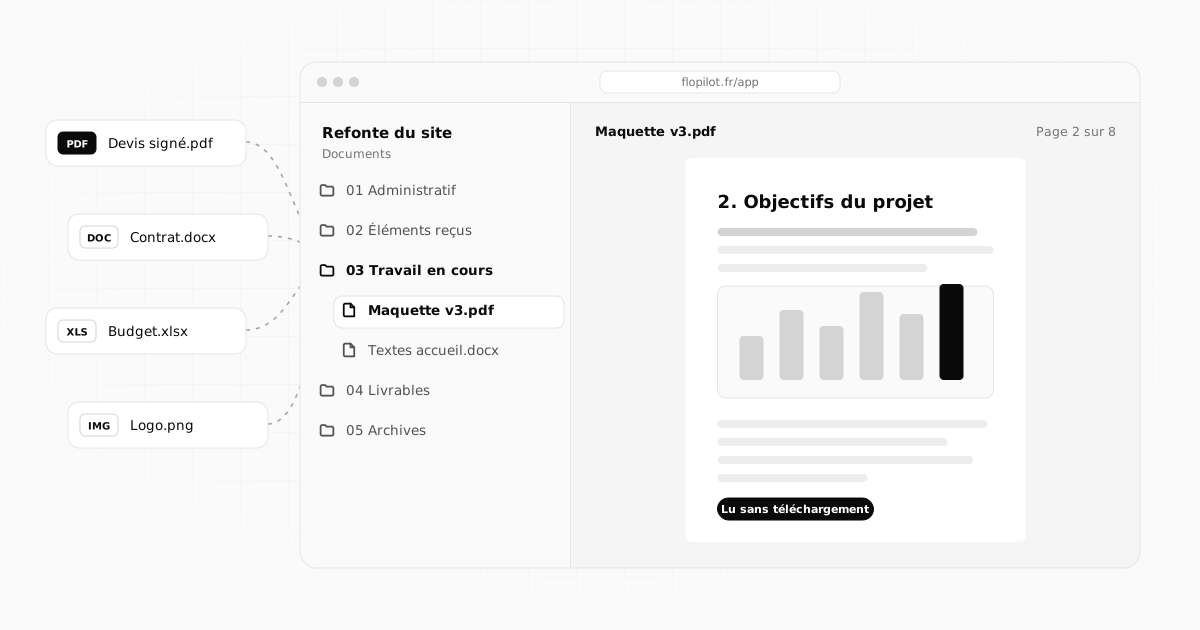
How to centralise project documents and never search for a file again
Quotes, contracts, mockups, meeting notes: bring a project's documents into one place, name and file them well, and read them without downloading.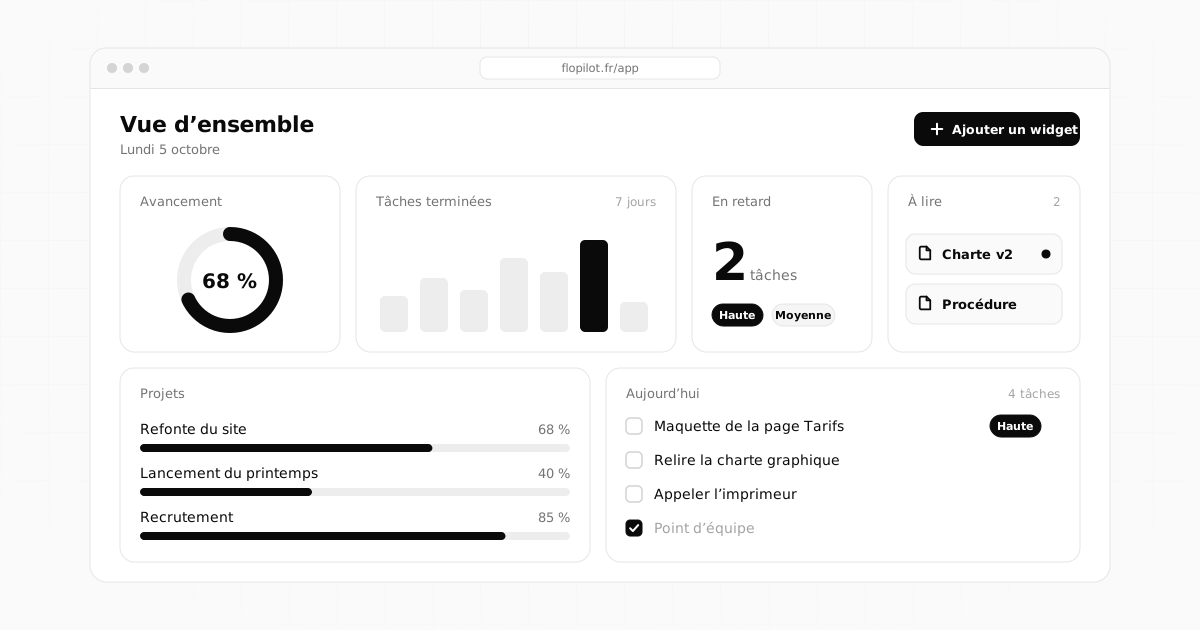 Methods4 min read
Project dashboard: what to include, and what to avoid
A good dashboard can be read in ten seconds. The essential widgets, the ones for teams, the mistakes to avoid and three layouts that are ready to copy.Frequently asked questions
Can we limit what each employee sees?
Yes. Roles set the permissions (owner, administrator, member, guest), and each project can be visible to the whole organisation, private, or shared with one specific person.
Where is the company's data hosted?
In France, on an OVH server. Flopilot is published by Flopix, a French company. No advertising, no data reselling.
Can we get all our data back?
Yes. Every document can be downloaded in its original format, tasks can be exported as Markdown or CSV, and to get all of the organisation's data back, just write to [email protected] from the account's email address.
Tidy up your projects once and for all
Tasks, notes, documents and dashboards in one place. No commitment, and your guests do not pay.