
 Teamwork5 min read
Boards, volunteers, events
Flopilot for nonprofits: volunteers, events and documents in one place
In a nonprofit, volunteers come and go, boards change and information gets lost. Flopilot keeps everything in one place, from one event to the next and from one board to the next.
What gets in the way
Sound familiar?
Information gets lost
Volunteers change, and every new board starts from scratch.
Nobody reads the minutes
Sent by email after every meeting, they end up at the bottom of the pile.
Every event starts from scratch
The annual fair, the open day, the annual general meeting: the same list gets rewritten every year.
Real examples
How it works with Flopilot
The annual fair
Refreshment stand, sound system, posters, permits, volunteer rota.
- A "Fair 2026" project, viewed as a calendar, with one task per volunteer.
- Checklists for the logistics on the day.
- Next year, the list exported as Markdown is reimported in one click.
The annual general meeting
Annual report, accounts, notice of meeting, minutes.
- The AGM documents in one folder, readable in the app.
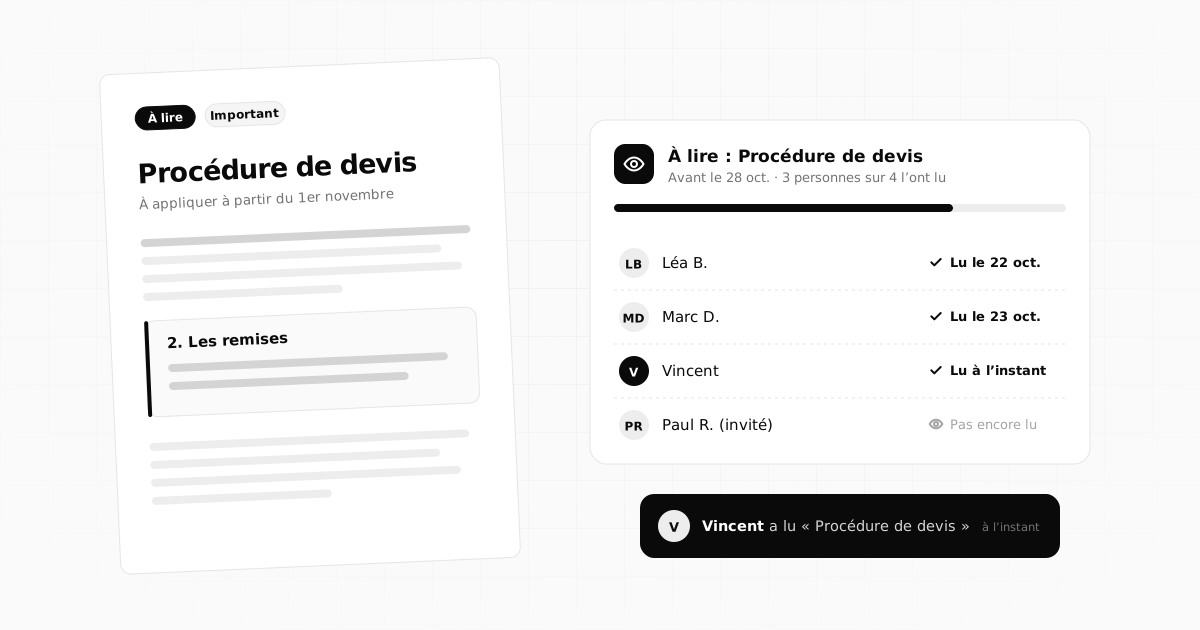
- The report and the accounts sent to the board via "To read", with a date.
- The minutes written in a note, then sent to all members.
The handover between two boards
Bylaws, agreements, contacts, habits: everything that usually gets lost.
- Reference documents sorted into folders, with a "Read me" note.
- New board members read the essentials thanks to "To read".
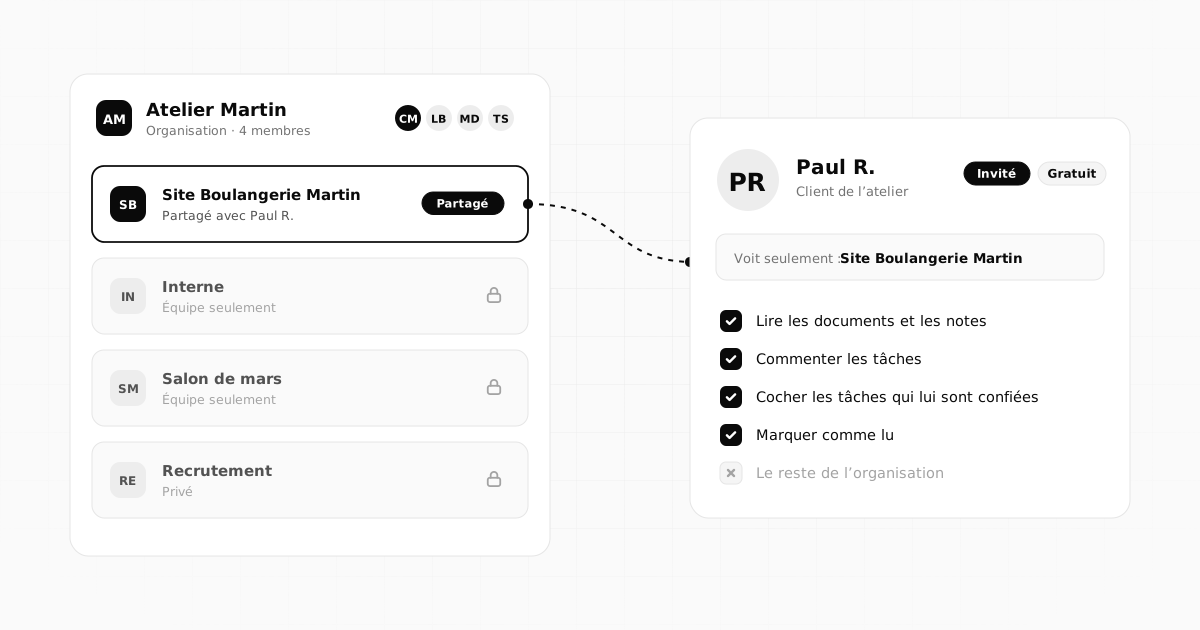
- Partners (the town hall, suppliers) invited only to the project that concerns them.
October 2026
MonthWeekDay
MonTueWedThuFriSatSun
28
29
30
1
2
3
4
5
6Team check-in
7
8Mockup delivery
9
10
11
12
13
14Homepage copy
15
16Photos
17
18
19
20Go live
21
22Invoice reminder
23
24
25
26
27ReviewTrade show
28
29
30
31
1
The features that matter
What you will find most useful
Calendar
Events and deadlines by month, week or day.
To read
Minutes, reports, bylaws: you know who has read them.
Guest volunteers
Those who follow along and tick off their tasks can be invited, for free.
Your nonprofit's memory
Documents sorted into folders, found again with search.
Reusable lists
Export an event's list, reimport it the following year.
Protected data
Hosting in France and two-factor authentication.
On the blog
Further reading
Teamwork5 min read
 Teamwork4 min read
Working with outside guests: clients, contractors and partners
Share a project with a client, contractor or partner without opening up everything: who to invite, what they see, how to welcome them and wrap up cleanly.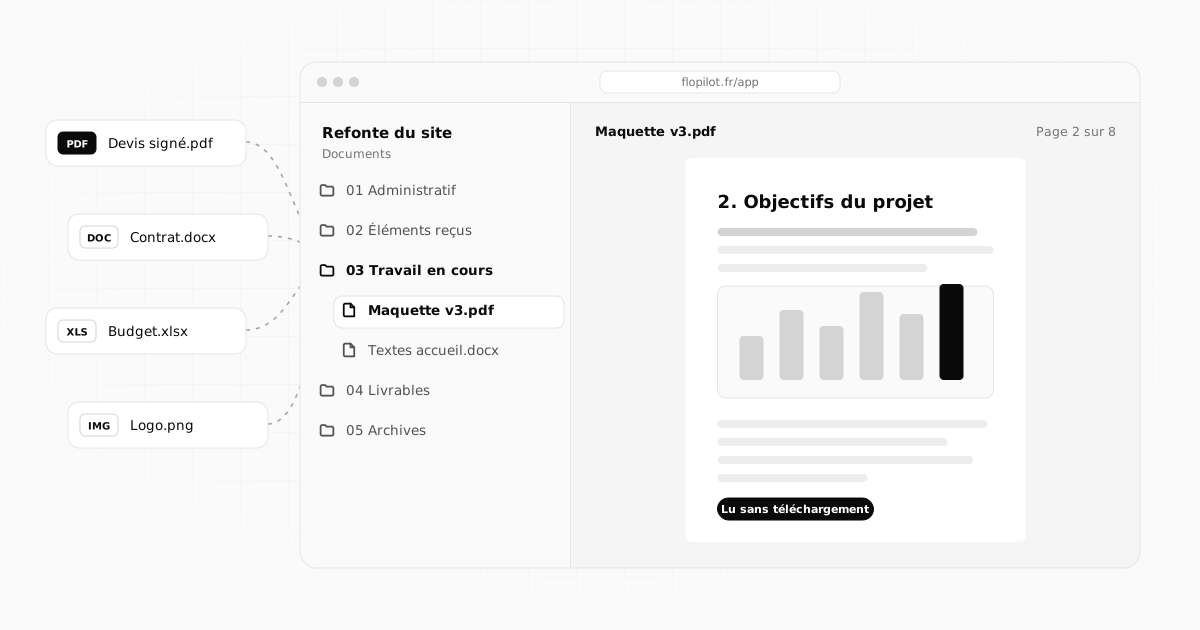 Documents5 min read
How to centralise project documents and never search for a file again
Quotes, contracts, mockups, meeting notes: bring a project's documents into one place, name and file them well, and read them without downloading.Frequently asked questions
Do volunteers need a paid account?
No. A volunteer who follows a project, reads the documents and ticks off their tasks can be invited, and guests do not pay. The people who create and organise tasks need a member account; how many you can have depends on the plan.
How do we hand the organisation over to the next board?
Everything stays in the organisation: projects, documents, minutes. The owner can hand roles over to the new board members, who find the whole history in one place.
Is our nonprofit's data safe?
It is hosted in France on an OVH server, passwords are never stored in plain text and two-factor authentication is available for every account.
Tidy up your projects once and for all
Tasks, notes, documents and dashboards in one place. No commitment, and your guests do not pay.