Working with outside guests: clients, contractors and partners
Projects rarely stay in-house. Inviting your client or contractor into the project space saves duplicate attachments and endless "where are we at?" messages.
Projects rarely stay in-house. There is the client who signs off, the contractor who handles one part, the partner who supplies material. With them, you usually work by email: attachments in several versions, "can you resend the latest file?" and "where are we at?".
Inviting these people into the project space changes everything: they see progress, read the right documents and talk in the right place. Provided you prepare the invitation properly.
Why invite rather than send emails
- One version of each document: the project's version, not the attachment from three weeks ago.
- Progress visible without asking: the guest sees what is done and what is left.
- Conversations in the right place: a comment under the task concerned beats yet another email.
- Fewer status meetings: the information is already there.
Who to invite, and with which role
In Flopilot, everyone has a role in the organisation. For outside people, two roles matter: member and guest.
| Role | What they see | What they can do |
|---|---|---|
| Owner | everything | everything, including the subscription |
| Administrator | all projects | everything except the subscription |
| Member | the organisation's projects and those they are added to | create and edit |
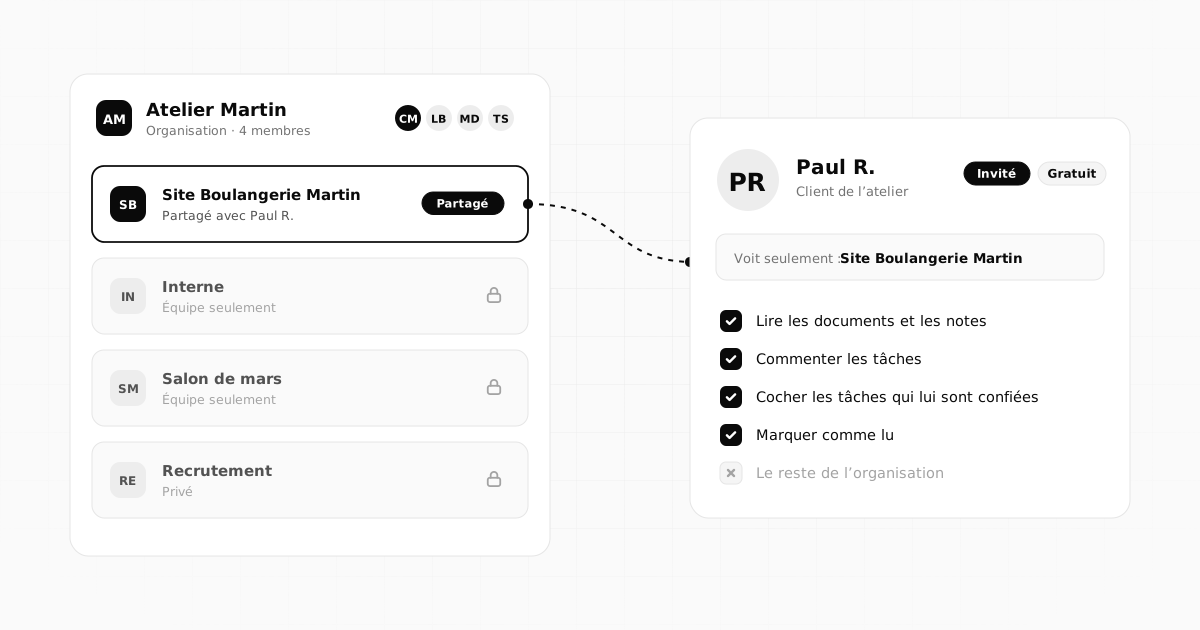
| Guest | only the projects shared with them | read, comment, tick off their tasks |
In practice:
- a client who follows and signs off will almost always be a guest;
- a contractor who creates and organises tasks with you will need a member role;
- a partner who just needs to read a file will be a guest.
Guests never pay: the organisation holds the subscription, and the number of guests depends on the plan.
Preparing the project before inviting
A guest sees the whole project shared with them. Before inviting them, take five minutes to check what they will find:
- anything that should stay internal (your margins, your notes on the client, conversations between colleagues) goes into another project, not shared;
- outdated tasks are completed or deleted;
- a welcome note explains the essentials.
Welcoming the guest
The invitation goes out by email. Once they arrive, the guest should understand within two minutes where they are and what is expected of them:
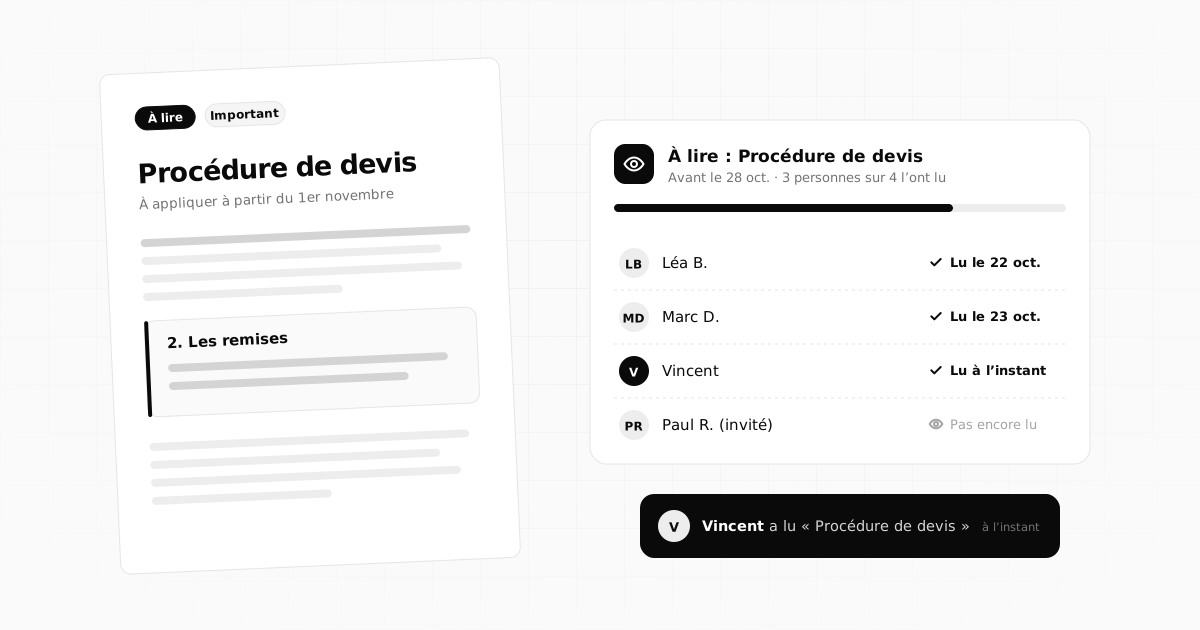
- send the welcome note via To read: you will know when they have read it;
- give them a simple first task, for example "Review the project scope";
- explain the golden rule: questions go in a comment on the task concerned.
Dividing the work clearly
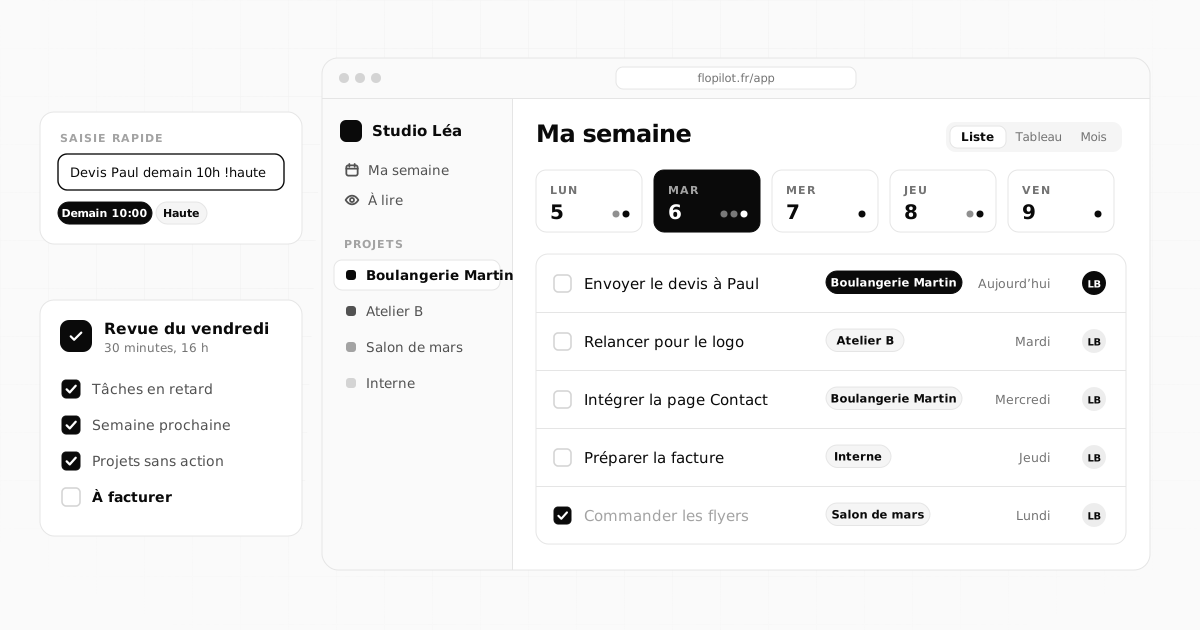
The guest's tasks should be as precise as the team's: "Send the copy for the Services page by the 15th", "Approve the homepage mockup". Assign them with a due date: they find them under their name, and tick them off when done. For you, that is the end of chasing blindly: you see what is done, and what is late.
Unambiguous approvals
Approvals are where misunderstandings cost the most. One simple rule: one approval, one task. "Approve the homepage mockup" is assigned to the client, with a date. They write their feedback as comments, and tick the task once it is approved. Everything is in writing: who approved what, and when.
Documents that are always up to date
The guest reads documents right inside the app (PDF, Word, presentations, images) without downloading anything. So they always see the latest version, and you no longer have to resend the file after every change.
Wrapping up cleanly
When the collaboration ends, do not leave access lying around:
- write a closing note: what was delivered, where to find the files, any access credentials handed over;
- send it via To read;
- then remove the guest's access, or keep it for an agreed follow-up period.
Security, without the complexity
- A guest sees only the projects shared with them.
- Two-factor authentication is available for every account, guests included.
- Flopilot's data is hosted in France.
- And access is easy to remove, from the members list, once the collaboration is over.
Frequently asked questions
Do guests have to pay to use Flopilot?
No. The organisation holds the subscription; guests never pay. The number of guests allowed depends on the plan chosen.
What can a guest do in a project?
They see only the projects shared with them. They read documents and notes, comment on tasks, tick off the ones assigned to them and mark as read the items they are asked to read.
Can I share a single project with a single person?
Yes. A project can be shared with one specific person, such as a client or a contractor, without them seeing the organisation's other projects.
Organise your projects with Flopilot
Tasks, notes, readable documents, To read and dashboards, all in one place. No commitment, and your guests never pay.
GuestsClientsCollaboration