How to organise your projects as a freelancer: the simple method
On your own, you are project manager, doer and salesperson all at once. Here is a lightweight method to keep your projects under control without spending your evenings on it.
When you work alone, you are the project manager, the doer, the salesperson and sometimes the after-sales team too. Nobody reminds you that a deadline is coming up, nobody chases the client for you. The result: lots of freelancers keep everything in their head, or in a dozen different places (a notebook, sticky notes, emails marked as unread, a spreadsheet, notes on their phone).
The method below fits in seven rules. You don't need to become a productivity expert: you just need to decide where things go, and stick to it.
Why it's harder when you work alone
In a team, organisation is often carried by the group: a Monday meeting, a shared tool, someone who keeps an eye on the schedule. On your own, nothing forces you to keep things tidy. And that's exactly the trap: as long as everything is fine, it holds together. The day three clients chase you at the same time, you spend more time finding information than actually working.
The symptoms are always the same:
- you look for a document in your emails, then in your downloads, then in a shared folder;
- you remember a client request, but not the date you promised to deliver it;
- you start your day without knowing where to begin;
- you forget to invoice a small change you made "while you were at it".
Rule 1: one project per client or per goal
Start by splitting your work into projects. A project is a client, an assignment or a goal with a beginning and an end: "Martin Bakery website", "Atelier B logo redesign", "Prepare the March trade fair".
Add a permanent project for everything that isn't billable: "Internal" or "Admin". That's where accounting, prospecting, keeping up with your field and maintaining your own website go. Without this project, those tasks end up scattered everywhere and get forgotten.
Rule 2: everything about a project in one place
A project isn't just a list of tasks. It's also the signed quote, the brief, the important conversations, the links to the mockups, the access details you need to ask for, the call notes. When all of this lives in different tools, you lose time every time you switch context.
Ideally, each project has:
- its tasks, with their due dates;
- its notes (call summaries, ideas, decisions);
- its documents (quotes, contracts, mockups, files from the client);
- its useful links (online mockup, client portal, invoicing tool).
That's the idea behind Flopilot: each project brings together its tasks, notes, documents and links, and documents open right inside the app, without downloading them. But the rule applies whatever tool you use: one single place per project.
Rule 3: capture fast, sort later
An idea or a request always shows up at the wrong moment: on the phone, between two meetings, in the middle of another task. If writing it down takes more than a few seconds, you won't do it.
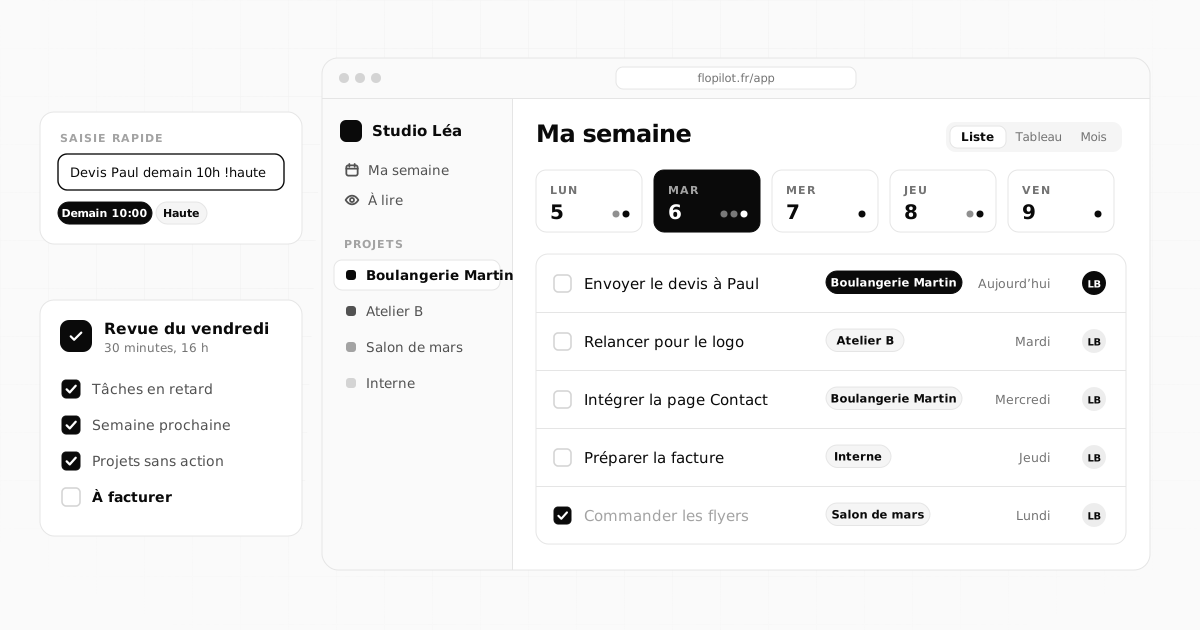
The fix: make entry as short as possible. In Flopilot, you type a sentence and press Enter. Keywords are understood (the app reads French keywords): "Send the quote to Paul demain 10h !haute #quote" creates a task for tomorrow (demain) at 10am, high priority (!haute), tagged quote. You can fill in the details later if needed.
Sorting happens at a time you choose: in the morning when you open your day, or during your weekly review.
Rule 4: a weekly review, always on the same day
This is the habit that changes freelancers' lives the most. Block thirty minutes, always on the same day (Friday afternoon or Monday morning), and go through:
- what's overdue: you do it, you push it back or you drop it, but you decide;
- the deadlines for the coming week, in the calendar view;
- projects with no next action: every active project should have at least one task to do;
- what's ready to invoice: small changes made along the way, finished stages.
Rule 5: the right view at the right time
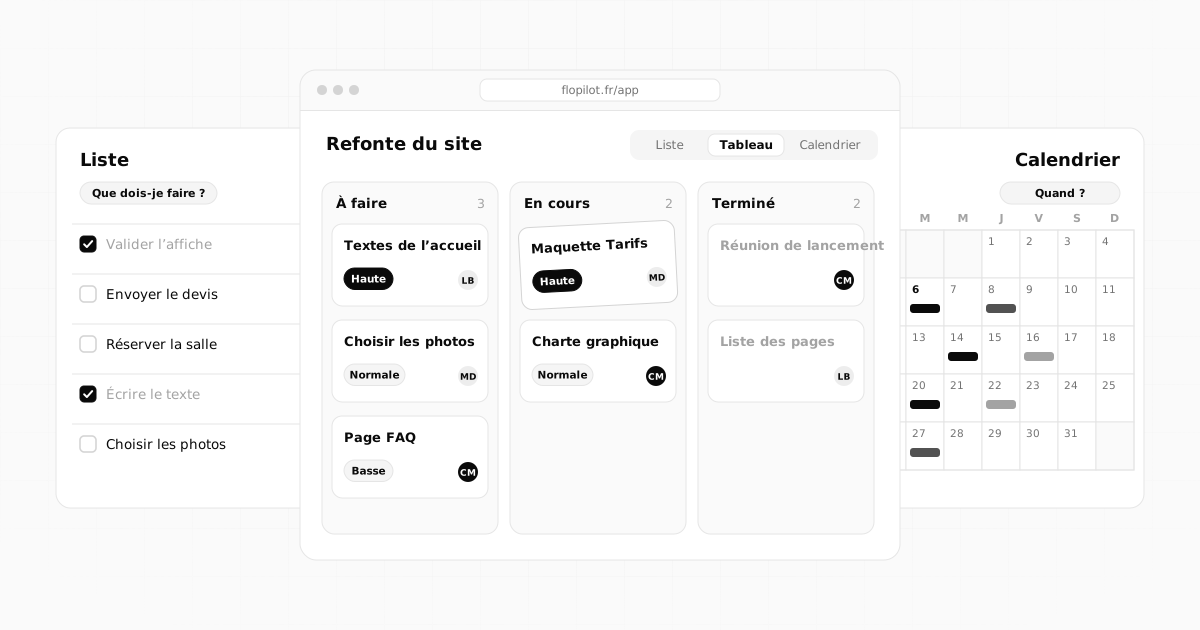
A list, a kanban board and a calendar show the same tasks from different angles. Rather than picking one forever, use each for what it does best:
- the list in the morning, to decide what to do today;
- the kanban board to track where each assignment stands (to do, in progress, waiting on the client, done);
- the calendar to see the week's workload and move a due date by dragging it.
We go into this choice in detail in Kanban, list or calendar: which view to choose.
Rule 6: share with your clients without opening everything up
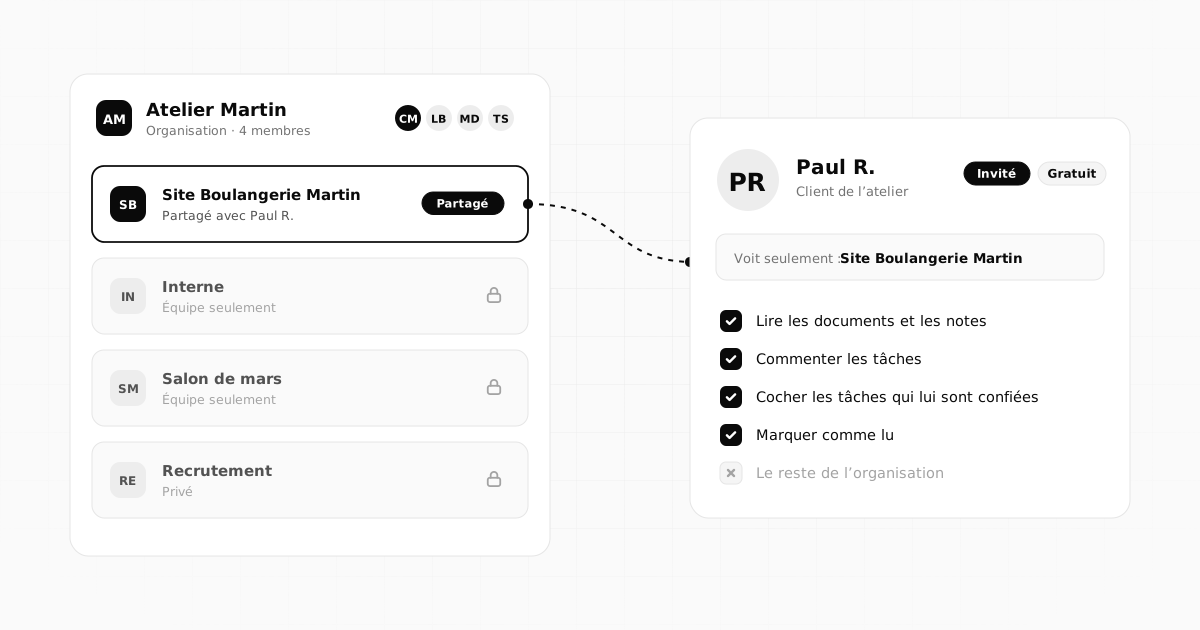
A lot of back-and-forth with clients is just about knowing "where things are". You can avoid some of it by sharing the project with your client as a guest: they see the progress, read the documents, comment and tick off the tasks assigned to them (sending their copy, approving a mockup), with no access to the rest of your organisation. In Flopilot, guests never pay. We cover this in detail in Working with external guests.
Rule 7: keep a record of decisions
Clients change their minds, it happens. What costs you dearly is no longer knowing what had been decided. After every important call, write three lines in a project note: the date, what was decided, what's left to do. If a decision changes the work, turn it into a task right away.
The most common mistakes
- Too many tools: a task app, a notes app, a storage service, a tracking spreadsheet. Every extra tool is one more place to check.
- Tasks that are too vague: "Martin website" isn't a task. "Build the Contact page" is.
- No date: without a due date, a task stays at the bottom of the list forever.
- An overly complicated setup: fifteen tags and six columns is too much. Start simple, and only add things when a real need comes up.
Where to start this week
Don't reorganise everything at once. Create your active projects, add the next action to each one, then file documents as you go, when you need them. In two weeks, you'll have a clear workspace without having spent a whole weekend on it. If you want to see what this setup looks like in Flopilot, the How it works page shows it in five steps.
Frequently asked questions
Which tool should I use to organise my projects as a freelancer?
The one you will actually open every day, and that keeps each client's tasks, notes and documents in one place. The fewer tools you have, the fewer places you need to check. Flopilot was designed for exactly that: one space per project, with three task views and documents you can read inside the app.
How much time should I spend on getting organised?
A few minutes each morning to pick the day's tasks, and a review of about thirty minutes once a week. Any more than that is often a sign your setup is too complicated.
Should I share my projects with my clients?
You don't have to, but it's often useful for approvals and the content they need to send you. In Flopilot, an invited client only sees the project you share with them: they read, comment and tick off their tasks, and they never pay.
Organise your projects with Flopilot
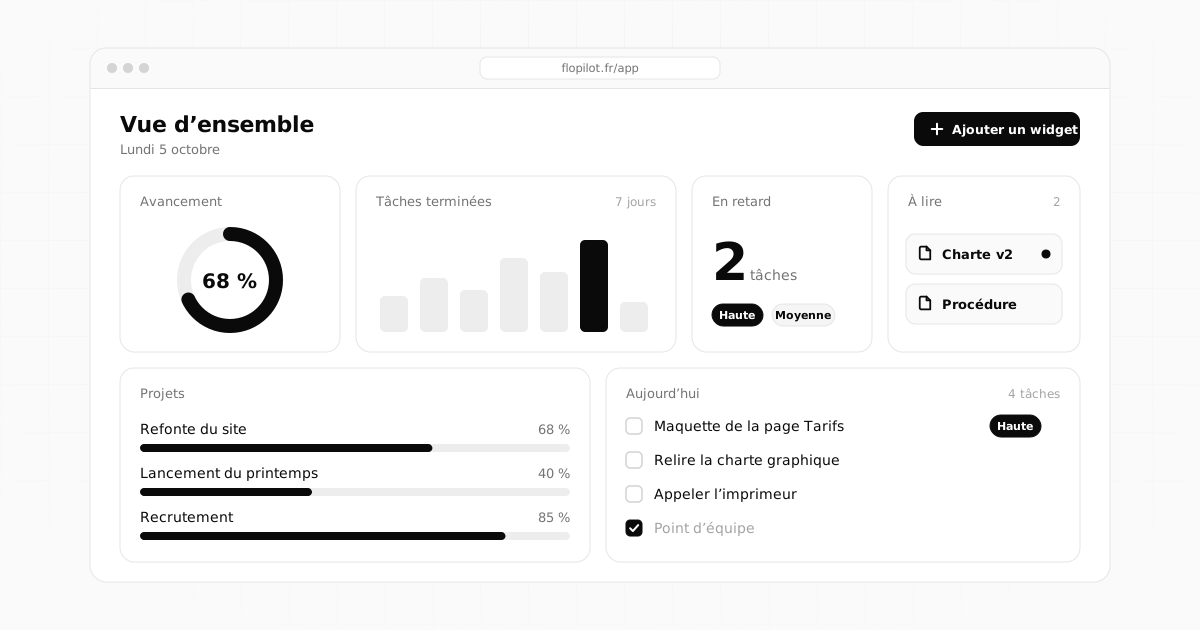
Tasks, notes, readable documents, To read and dashboards, all in one place. No commitment, and your guests never pay.
FreelancersSelf-employedMethod